
Apple - HomeKit

HomeKit
Secure control over your life
Right in the palm of your hand
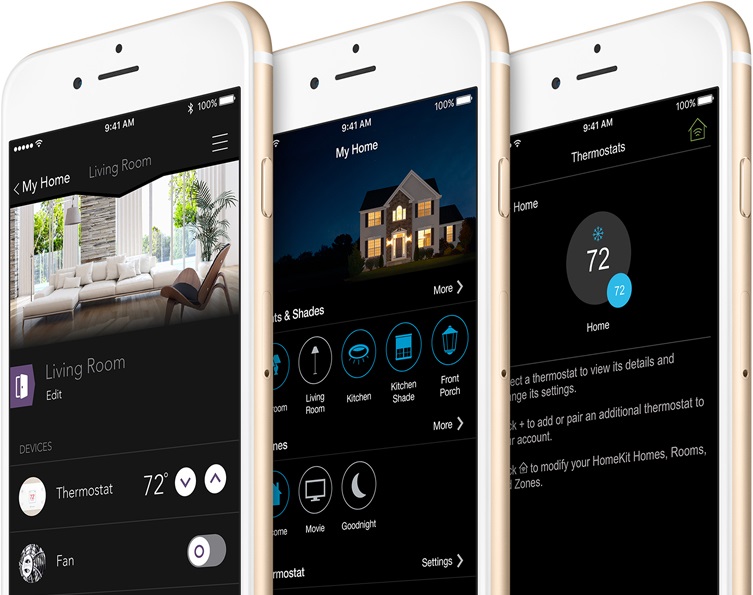
You use your iPhone every day - to stay in touch with friends, organise your day, keep track of your health and exercise habits, and even manage your wallet. With HomeKit, you can use your iOS device to connect with the appliances in your home as well.
Smart products are even smarter when they work together
HomeKit works through an app that controls each of your devices at home and connects them all together, so you can control them directly from your phone. HomeKit's data is always encrypted, so you're the only one who knows how your lights or thermostat are set.
Set the whole scene with just one command
HomeKit allows you to create custom scenes that will adjust your home's devices to certain settings all at once. For example, you can create a scene called "Leaving the House" that turns off the lights, locks the doors, and lowers the thermostat temperature.
Morning
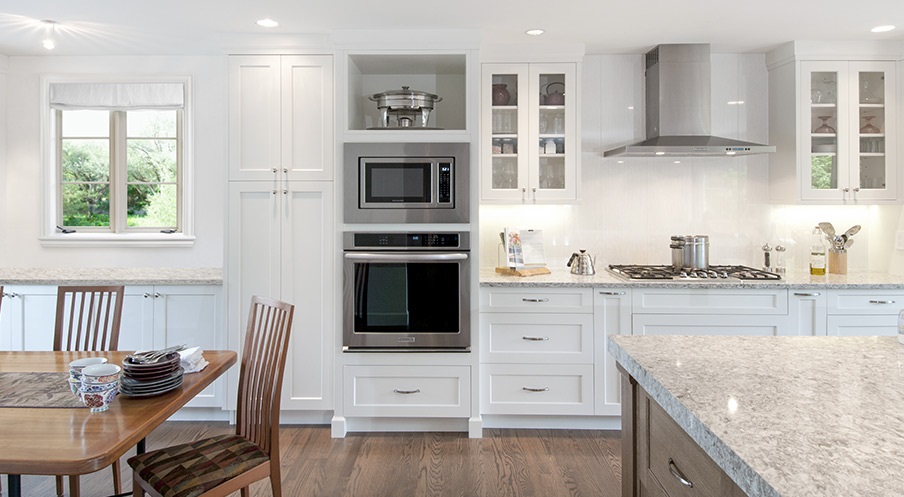
Blinds
Opens the blinds and lets the morning light in
Kettle
Turns on the electric kettle and heats up water for tea
Thermostat
Turns on the thermostat before you're out of bed
Coming Home

Lights
Turns on the lights, so you don't come back to a dark house
Front door
Unlocks the door without hunting for your keys
Thermostat
Turns on the heat, so it's already warm when you get home
Time for Bed
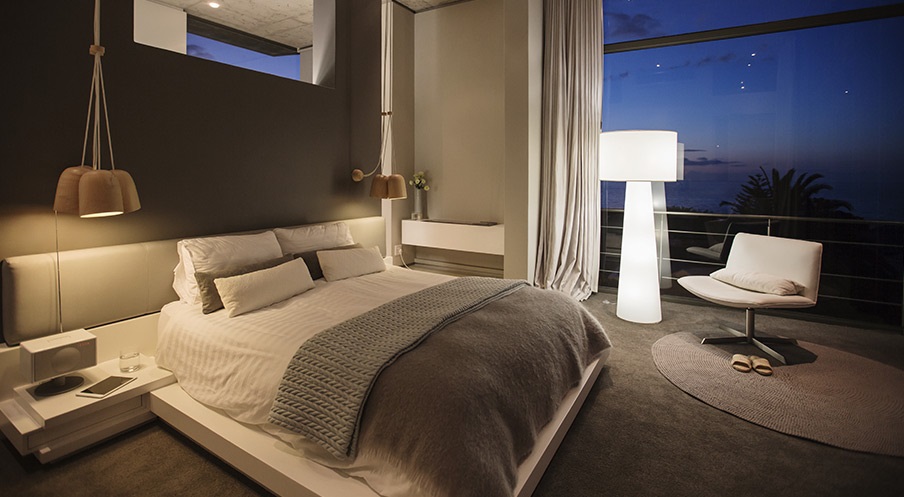
Lights
Turns off all the lights except your bedside lamp
Blinds
Closes the blinds
Doors
Locks the doors before you go to bed