
i-tec USB-C Metal Nano 2x HDMI Docking Station, PD 100W

i-tec USB-C Metal Nano 2x HDMI Docking Station, PD 100W
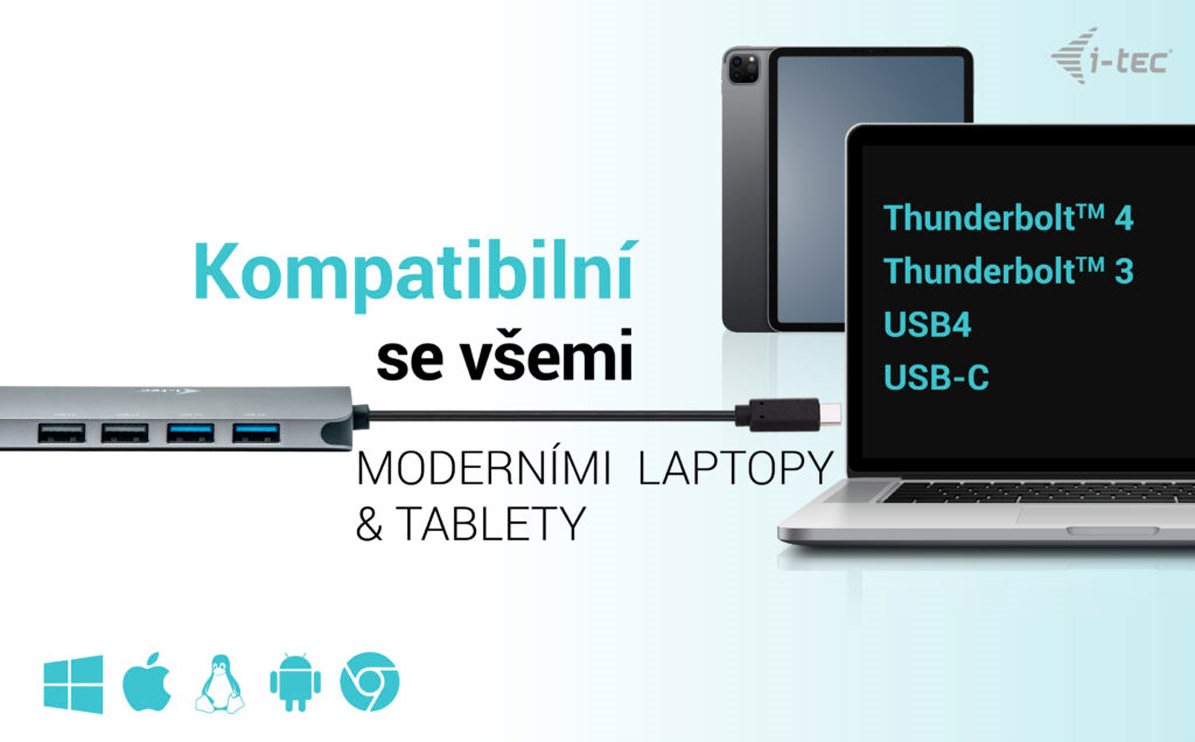
Universal i-tec USB-C Metal Nano Docking Station in a Compact Metal Design
The universal i-tec USB-C Metal Nano docking station. Its key advantage is the ability to output to up to two displays from a single USB-C connector. All you need is a laptop/tablet/phone with a free Thunderbolt 3 or USB-C port that can transmit a video signal.
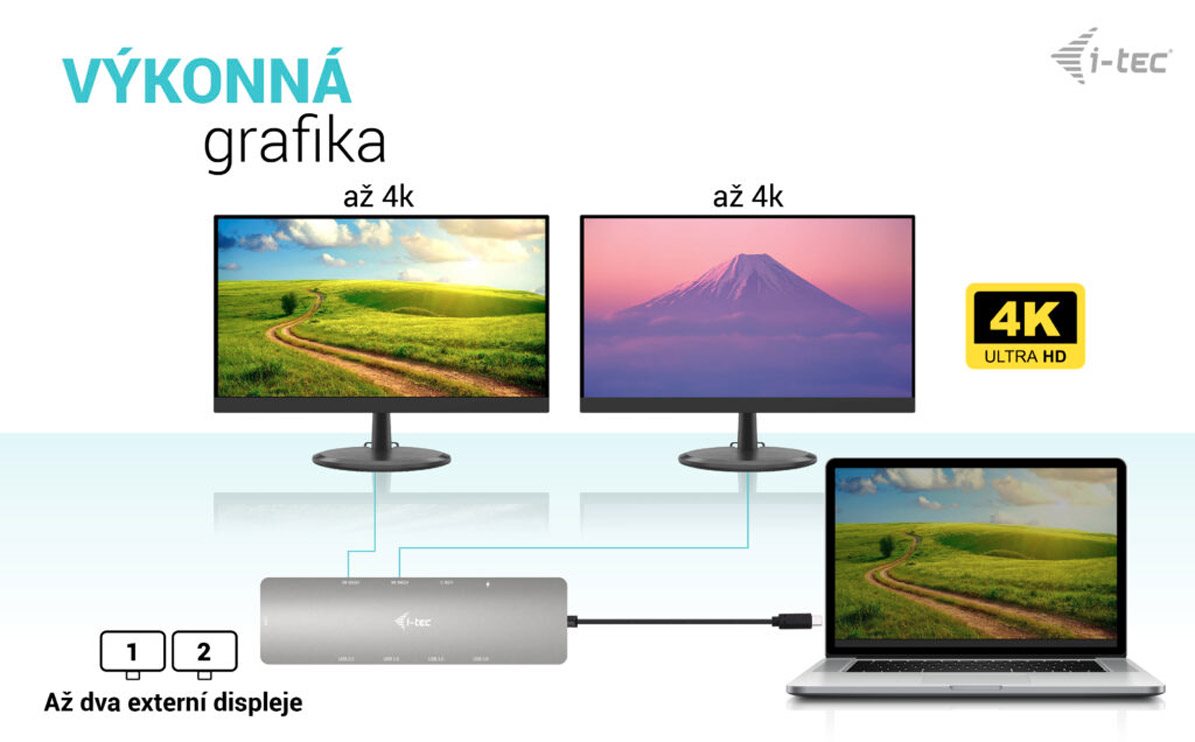
Easily Connect up to Two Monitors with the i-tec USB-C Metal Nano
For serious work, you need enough workspace. The i-tec USB-C Metal Nano docking station supports the simultaneous connection of two displays via HDMI. The maximum available resolution when using two screens is 4K resolution at 60Hz.
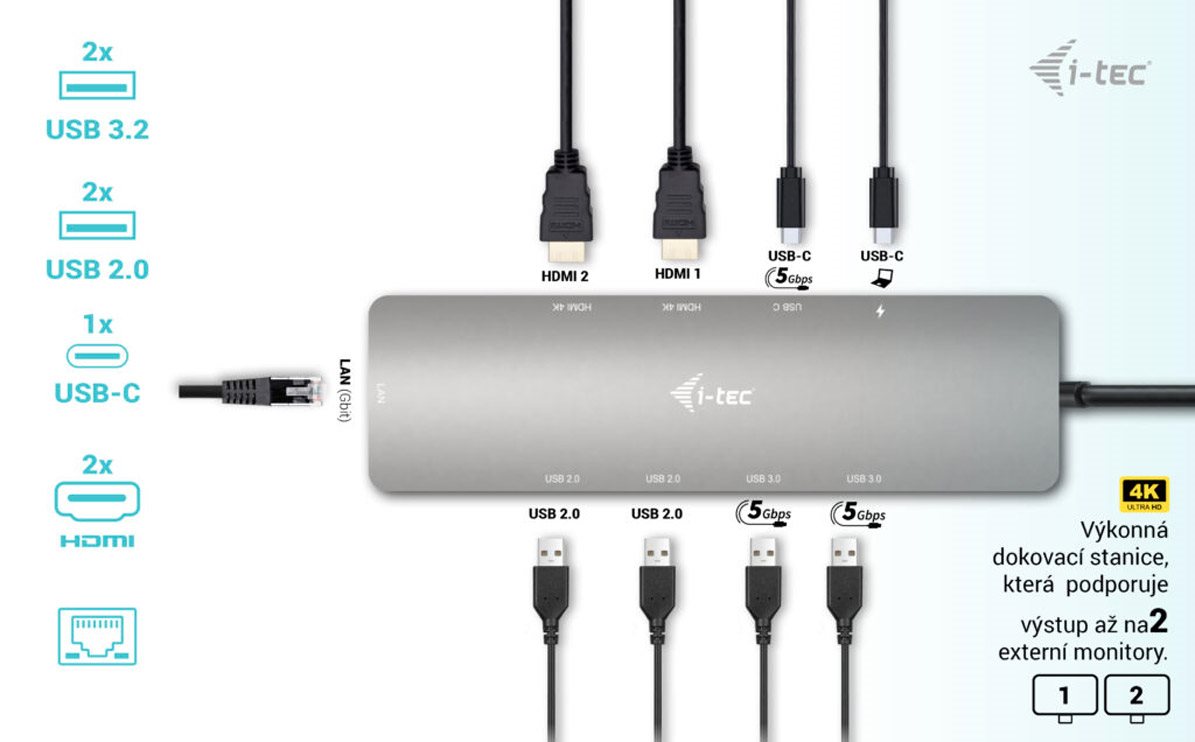
The i-tec USB-C Metal Nano Offers Plenty of Traditional Ports
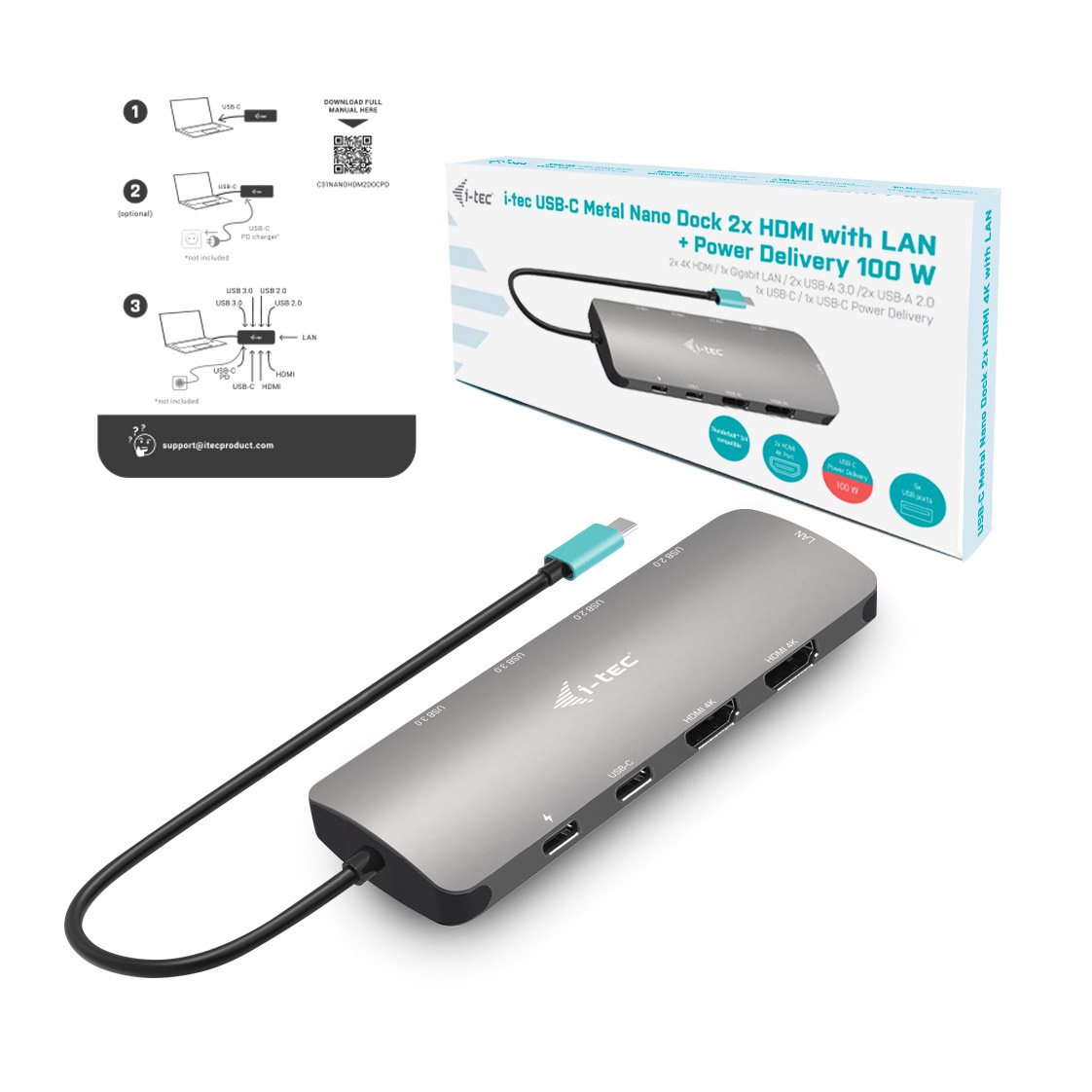
Do you have various accessories like a USB printer, keyboard, mouse or external drive? This is another perfect situation for quickly plugging in the i-tec USB-C Metal Nano docking station. You get 2× USB-A 3.2 Gen 1, 2× USB-A 2.0, 1× USB-C 3.2 Gen 1 and 1× USB-C (power delivery only). Of course, there is also a classic LAN connector for a wired connection to your data network.
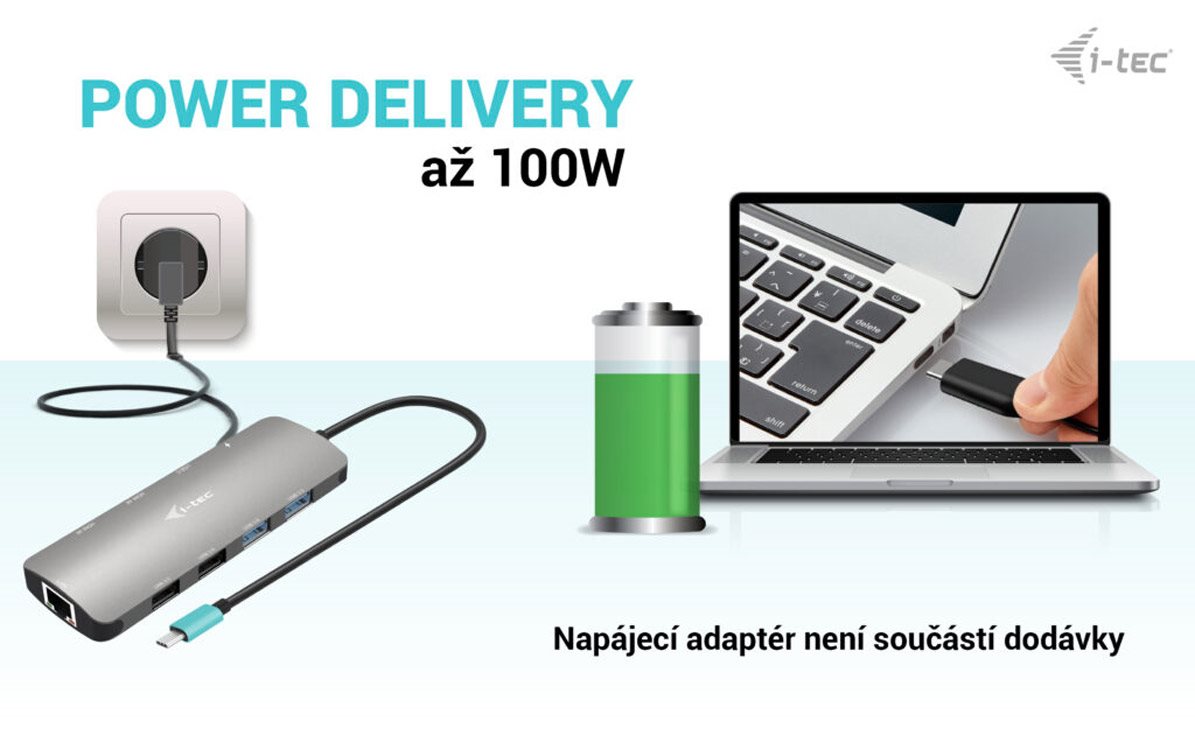
A Single Cable on the i-tec USB-C Metal Nano Handles Charging, Video and Data Transfer
Thanks to the Thunderbolt 3 interface, you only need to connect your laptop to the i-tec USB-C Metal Nano docking station with a single cable. It will carry the video to the monitors, fast file copying from a USB drive and also 100W of power for the laptop itself. So you can keep your charger neatly tucked away.
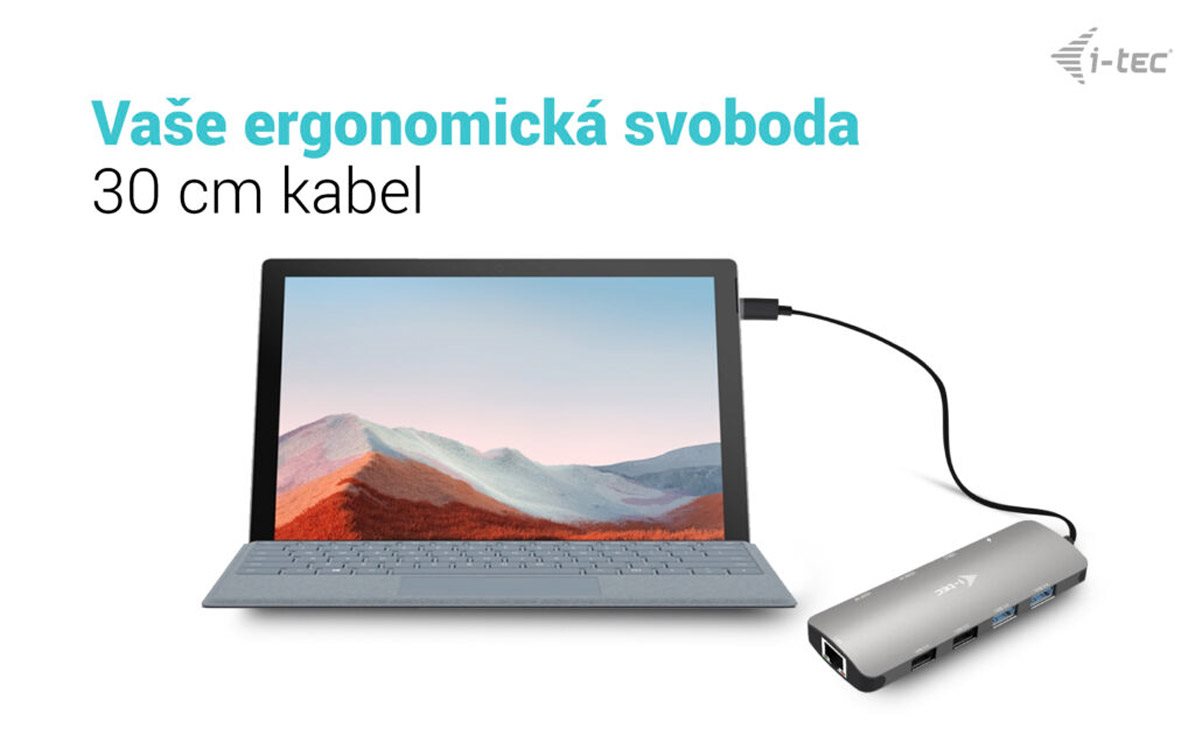
The i-tec USB-C Metal Nano Docking Station Takes Up Minimal Space
The foundation of a modern workspace is a clean desk. This is another reason why the i-tec USB-C Metal Nano docking station is equipped with a 30cm cable, so you can easily connect it to your laptop, but it definitely won't get in your way. It measures 152.5 × 43 × 15mm.
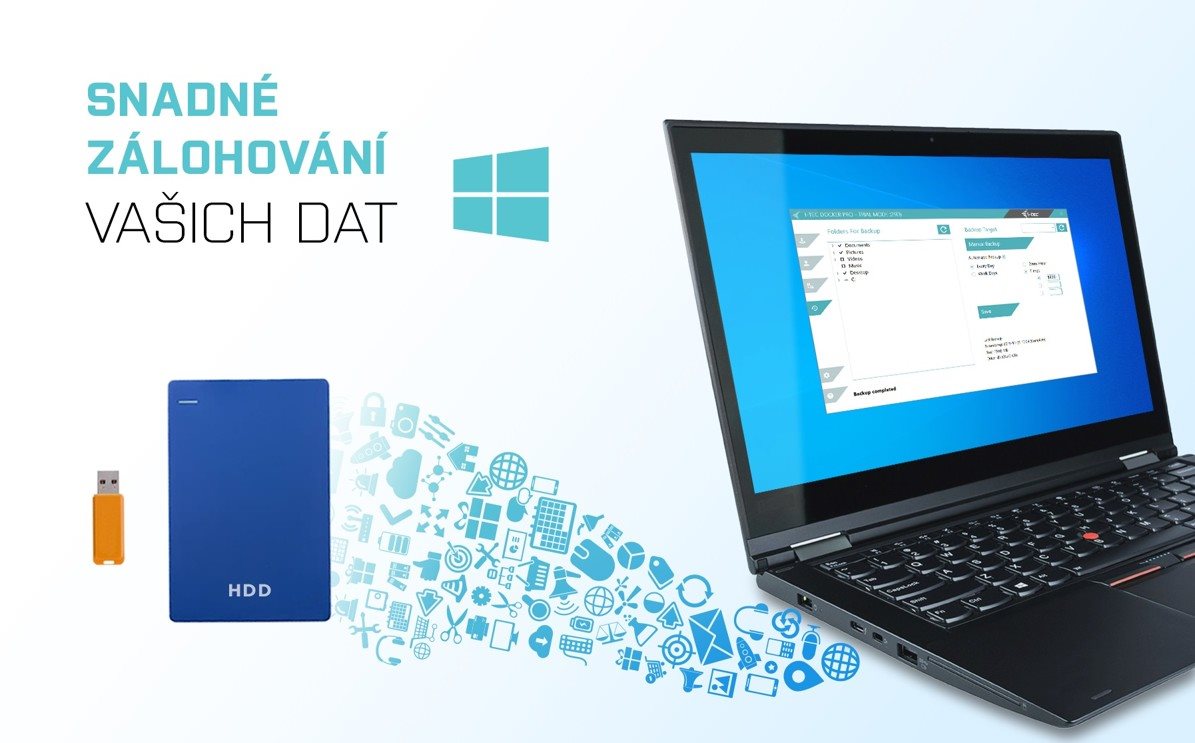
Back Up Your Data More Easily with the i-tec USB-C Metal Nano Docking Station
Do you use the Windows operating system? And do you have a way of backing up the key files on your PC? In that case, install the free add-on application i-tec Docker Pro. Then simply connect a large enough external drive via the i-tec USB-C Metal Nano docking station. The rest is just a matter of a few mouse clicks.
Key Features of the i-tec USB-C Metal Nano Docking Station
- Universal docking station
- Compatible with laptops and tablets with USB-C and Thunderbolt interfaces
- 2× HDMI supporting up to two 4K/60Hz displays
- 4× USB port including 2× USB-C Gen 2 (1× with 20W PD charging support)
- Up to 100W Power Delivery for compatible laptops and tablets with USB-C and Thunderbolt
- GLAN Ethernet supports network speeds of 10/100/1000Mb/s
Package contents: i-tec USB-C Metal Nano, USB-C cable (30cm), manual
SPECIFICATIONS
1× USB-C port for connecting to the device
Power Delivery: 100W
Video Ports:
2× HDMI
Resolution:
Host device with DisplayPort 1.2 support:
1 monitor – 1× HDMI → up to 4K/30Hz
1 monitor – 1× HDMI → up to 1080p/120Hz
2 monitors – 2× HDMI → up to 2× 1080p/60Hz*
Host device with DisplayPort 1.4 support:
1 monitor – 1× HDMI → up to 4K/60Hz
2 monitors – 2× HDMI → up to 2× 1440p/60Hz*
Host device with DisplayPort 1.4 with DSC support:
1 monitor – 1× HDMI → up to 4K/60Hz
2 monitors – 2× HDMI → up to 2× 4K/60Hz*
2 monitors – 2× HDMI → up to 2× 1440p/144Hz*
Connectors:
2× USB 3.2 Gen 1 port
1× USB 2.0 port
1× USB-C 3.2 Gen 1
1× USB-C port PD
1× Ethernet GLAN RJ-45 port (RTL8153B)
OS: Windows 10/11, macOS, Android and Linux with the latest updates
Product dimensions: 152.5 × 43 × 15mm
Product weight: 92g
Specifications
Laptop power port
Most common ports
Data ports - Number and standards
Power ports for electrical devices
Graphics ports - Number and standards
Network ports
Features
Compatibility
Dimensions and weight
| Code: | JP960d12 |
| Warranty: | 24 months |
| Links: | Producer's Website: |