
i-tec USB 3.0/USB-C Dual HDMI Docking Station + Power Adapter

i-tec USB 3.0/USB-C Dual HDMI Docking Station + Power Adapter
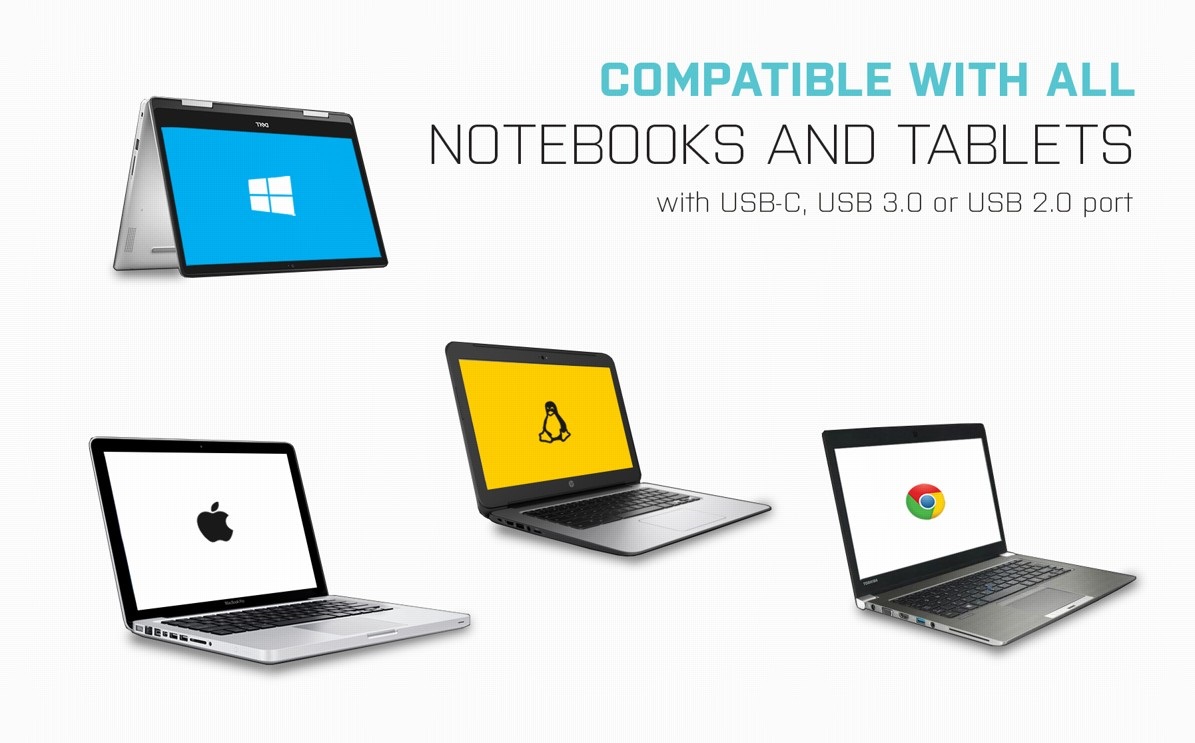
Universal i-tec USB 3.0/USB-C Dual HDMI Docking Station—Compatible with All Laptops
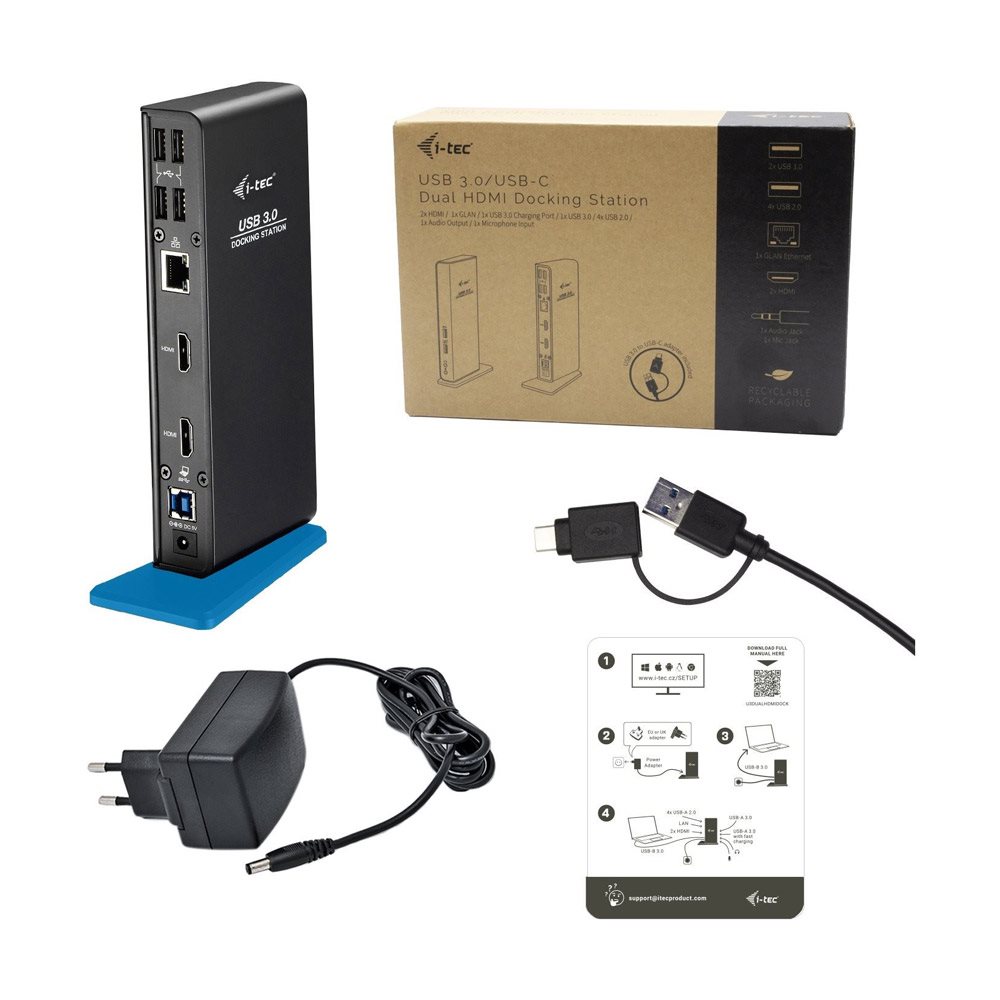
If you wish to increase your laptop's connectivity, we recommend the i-tec USB 3.0/USB-C Dual HDMI Universal Docking Station. You can use the i-tec docking station with any laptop, tablet or smartphone—regardless of type, brand or operating system. Just make sure your laptop/tablet/phone has a free Thunderbolt 3 or USB port (USB 3.0 is recommended).
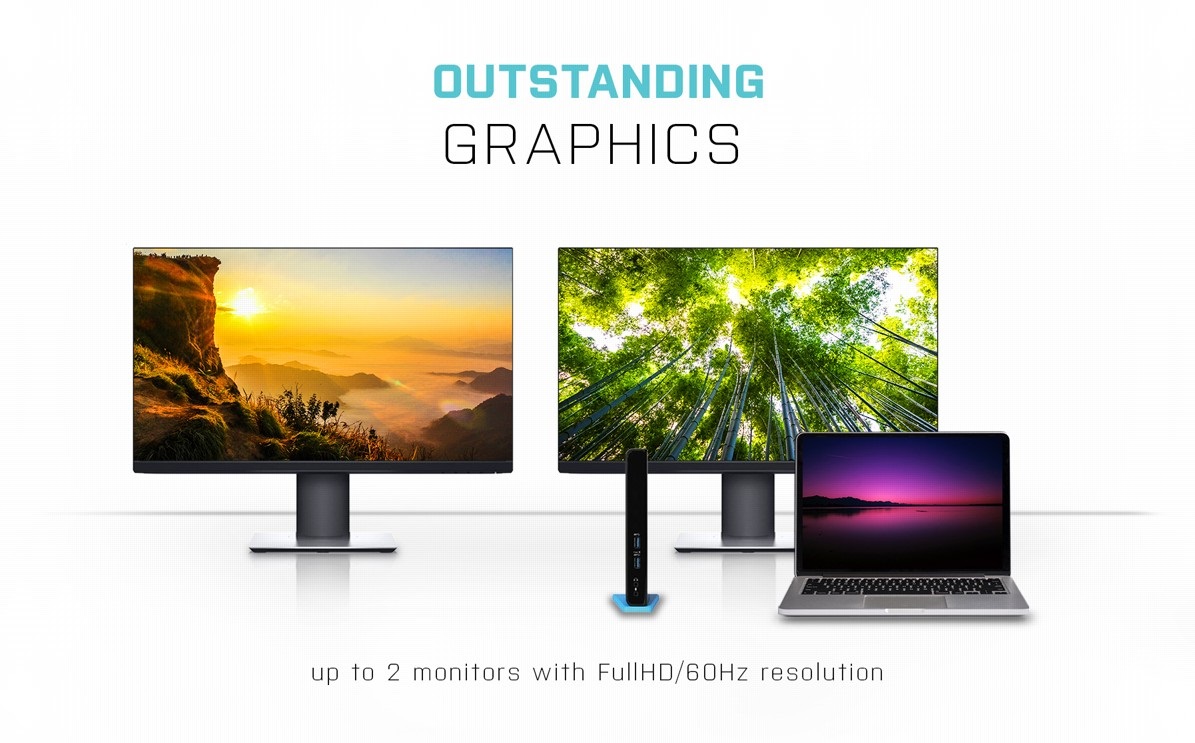
Use the i-tec USB 3.0/USB-C Dual HDMI Dock to Easily Connect up to Two Monitors
As serious work area requires an expanded work area, you'll welcome using i-tec USB 3.0/USB-C Dual HDMI Dock to simultaneously connect two HDMI ports with a maximum 1920×1080/60Hz on both screens.
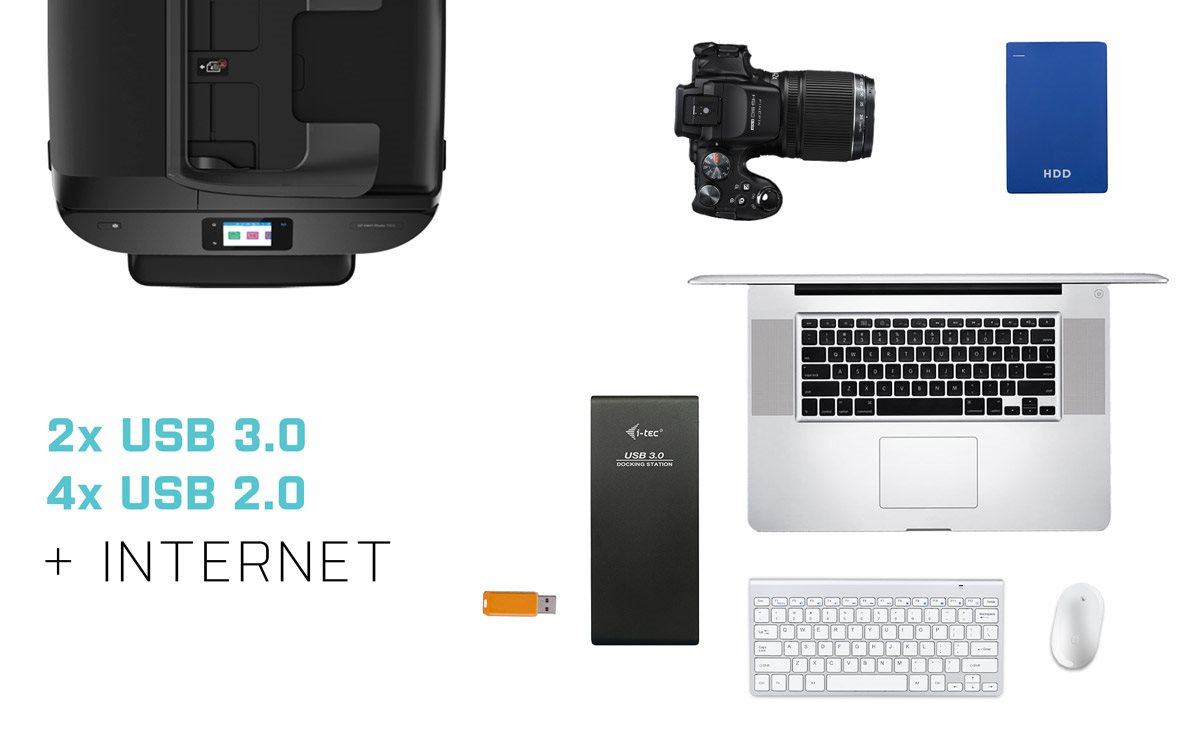
i-tec USB 3.0/USB-C Dual HDMI Station Offers Plenty of Traditional Ports
Printer? Keyboard? Mouse? External drive or flash drive? A charging cable for your phone? You can connect them all with i-tec USB 3.0/USB-C Dual HDMI Docking Station. 2× USB 3.0 and 4× USB 2.0 provide all the connectivity you need, plus there is also a classic LAN connector for connecting to the network. When in USB hub mode, you must always use the supplied power adapter.
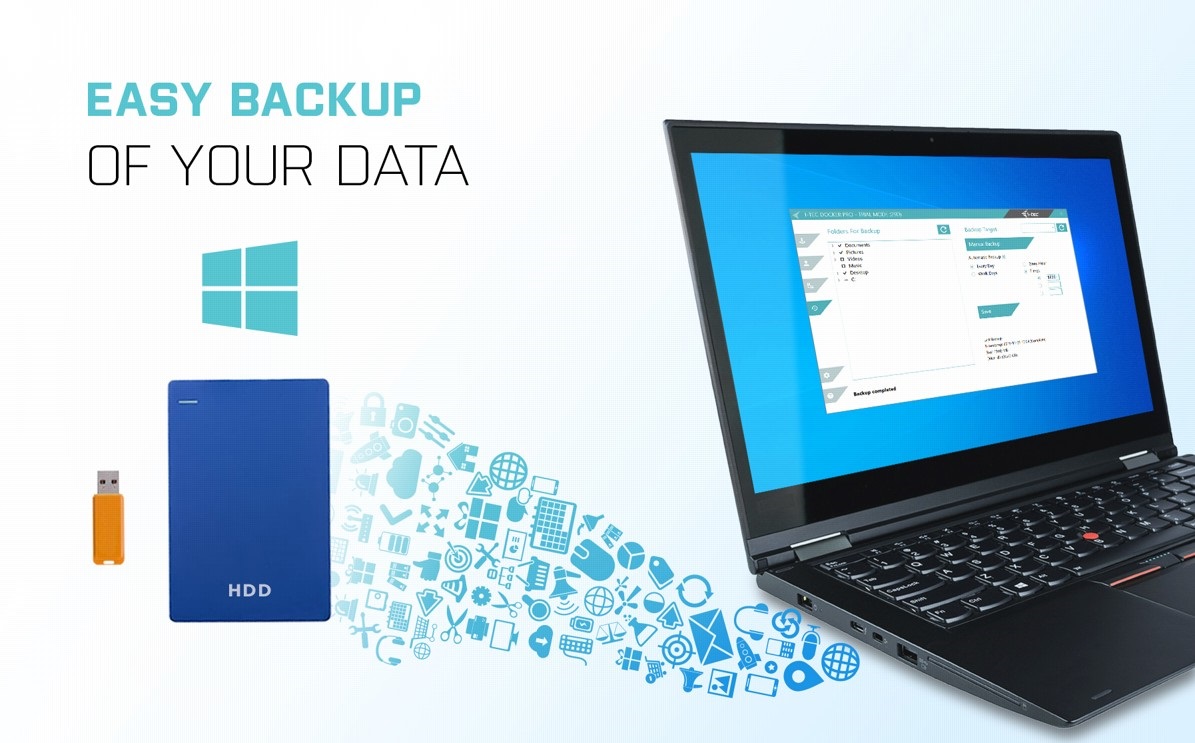
Backup Data More Easily with the i-tec USB 3.0/USB-C Dual HDMI Docking Station
If you use the Windows operating system and need to regularly backup important files, you'd be well-advised to install the free i-tec Docker Pro add-on. Just connect any hard drive or flash drive to the i-tec USB 3.0/USB-C Dual HDMI Docking Station, and the rest is just a few mouse clicks away.
Key Features—i-tec USB 3.0/USB-C Dual HDMI Docking Station
- Supports up to 2× external monitors, which can be connected via HDMI ports
- 2× USB 3.0 (one with fast charging support) for fast data transfer
- 4× USB 2.0 allows you to easily connect your USB devices and peripherals.
- 1× USB 3.0 port for connecting to devices + 100cm USB 3.0 cable and attached USB-C/Thunderbolt 3 adapter
SPECIFICATIONS
1× USB-C port for connecting to devices
Video Ports:
2x Display Port
2x HDMI
Resolution:
DisplayLink ports 2× HDMI
1 monitor - up to 2560×1440/50Hz
2 monitors - up to 2048×1152/60Hz
USB-C DP Alt mode ports 2× DP
1 monitor - up to 4K/30Hz
2 monitors - up to 1080/60Hz
DP 1.4 HBR3
1 monitor - up to 4K/60Hz
2 monitors - up to 2×1440p/60Hz
DP 1.4 HBR3 DSC
1 monitor - up to 5K/60Hz
2 monitors - up to 4K/60Hz
Combination of four monitors
Up to 2×2048×1152/60Hz and 2×4K/60Hz
Connectors:
1× USB-C Gen1
4× USB 3.0 port
1× USB 3.0 port with fast charging support (BC 1.2)
1× Ethernet GLAN RJ-45 port (DisplayLink DL-6950)
1x 3.5mm Audio Out, 1x 3.5mm Microphone In
1× power input (DC 20V/5A)
ON/OFF switch to turn the docking station on and off
LED indication
Support for Kensington lock
USB-C to USB-C/USB-A cable (100 cm)
OS: Windows 10, macOS, Android and Linux with the latest updates
Product dimensions: 197 × 85 × 34mm
Product weight: 296g
Specifications
Laptop power port
Most common ports
Data ports - Number and standards
Power ports for electrical devices
Graphics ports - Number and standards
Network ports
Audio ports
Features
Packaging
Compatibility
Dimensions and weight
| Code: | JP909o19 |
| Warranty: | 24 months |
| Links: | Producer's Website: |