
WiFi Routers & Access Points
Choosing the right wireless router depends primarily on its required speed and the type of data transfers that you want it to do. The maximum speeds are determined by the router's transmission standards which use two different frequency bands. These are common for both routers and end devices such as mobile phones. The less congested 5 GHz band is better for intense data transmissions and high-volume data transfers that are needed for online gaming or streaming video in HD quality. For simpler tasks, such as sending e-mail or web browsing, the 2.4 GHz band is fully sufficient. And what are the differences between the standards?
Continue







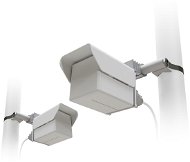
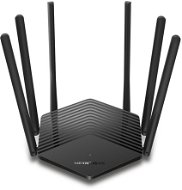
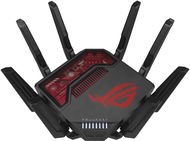
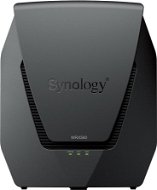
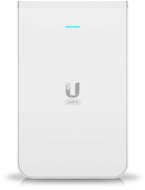
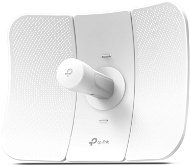
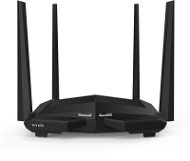
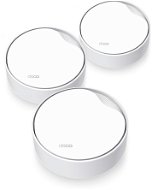
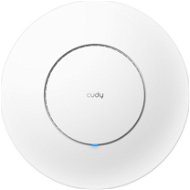
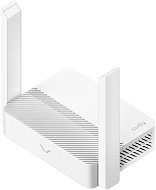
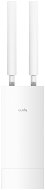
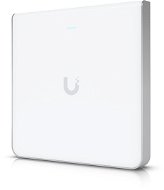


WiFi Routers & Access Points - additional info
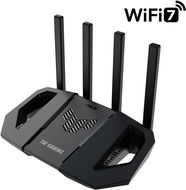
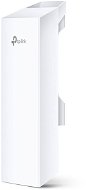
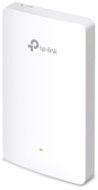
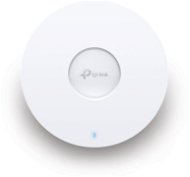
Active element in a wireless WiFi network represents a device that acts as an access point (AP) or router. These devices offer facilities that connect a computer, multiple computers or other network devices (clients), and are responsible for subsequent communication and connection to wireless networks. They can also be used to create a wireless network. Active devices are most commonly used to create wireless home or office networks, where the computer (client) connects wirelessly, while the active element is connected to a cable Internet connection (eg. ADSL, cable internet) for sharing Internet access. Active elements can simply be used to wirelessly connect two computers without a line of sight. Line of sight is in fact ideal for establishing a wireless connection between two points.
Continue