
Trust BAYO II Ergonomic Wireless Mouse White


 Price Guarantee
Trust BAYO II Ergonomic Wireless Mouse White

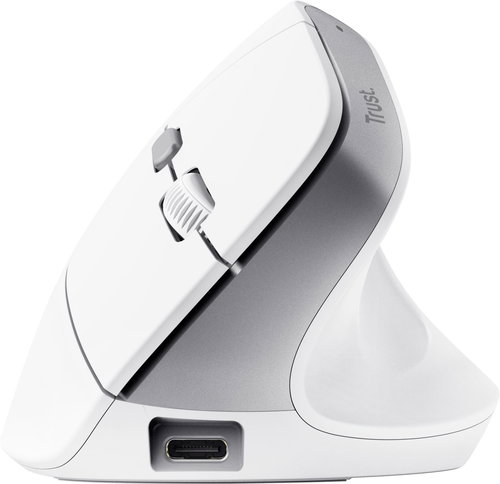
Maximum Comfort, Silent Buttons, High Precision
With the Trust BAYO II ergonomic mouse, you'll enjoy maximum comfort even during long hours at the computer. Thanks to an optimal 57° tilt angle and a comfortable thumb rest, your wrist will relax, preventing discomfort, pain and fatigue. It also boasts a wireless connection via a USB-A micro-receiver for maximum freedom of movement. The BAYO II allows for precise and accurate movement and features adjustable sensor resolution from 800–2400 DPI. You'll also fully enjoy the silent operation of its 6 buttons and the built-in battery with a lifespan of up to 3 months, giving you the confidence that the mouse will always be ready to use.
Key Features of the Trust BAYO II Wireless Ergonomic Mouse, White
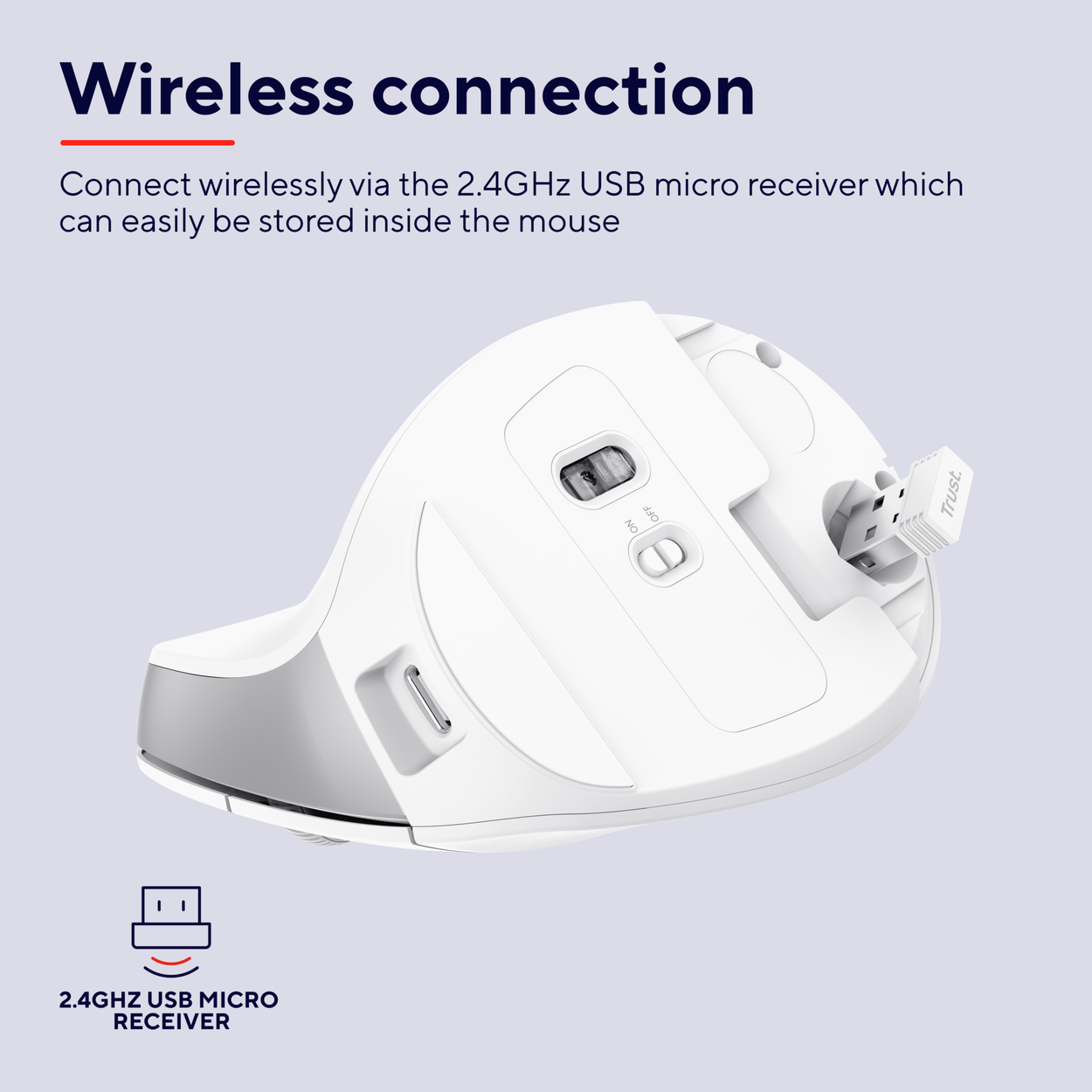
- Connection via a 2.4GHz wireless USB-A micro-receiver (can be stored in the mouse body)
- Adjustable DPI in the range of 800–2400 DPI
- Maximum range of 10m
- 6 silent buttons
- ON/OFF switch for power saving
- Built-in battery with a lifespan of up to 3 months
- Vertical ergonomic shape and comfortable thumb rest
- Low battery, charging and DPI status indicator
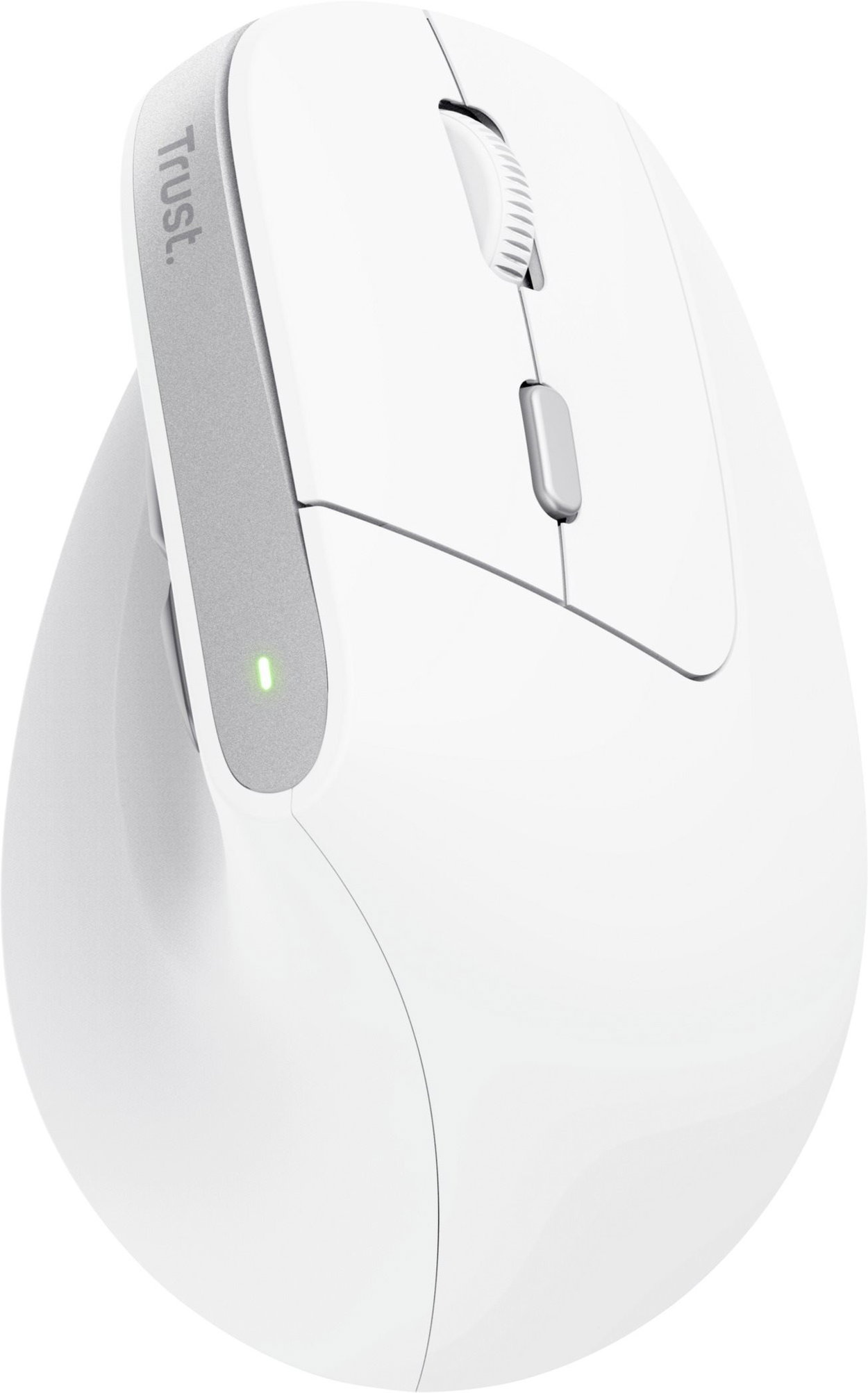
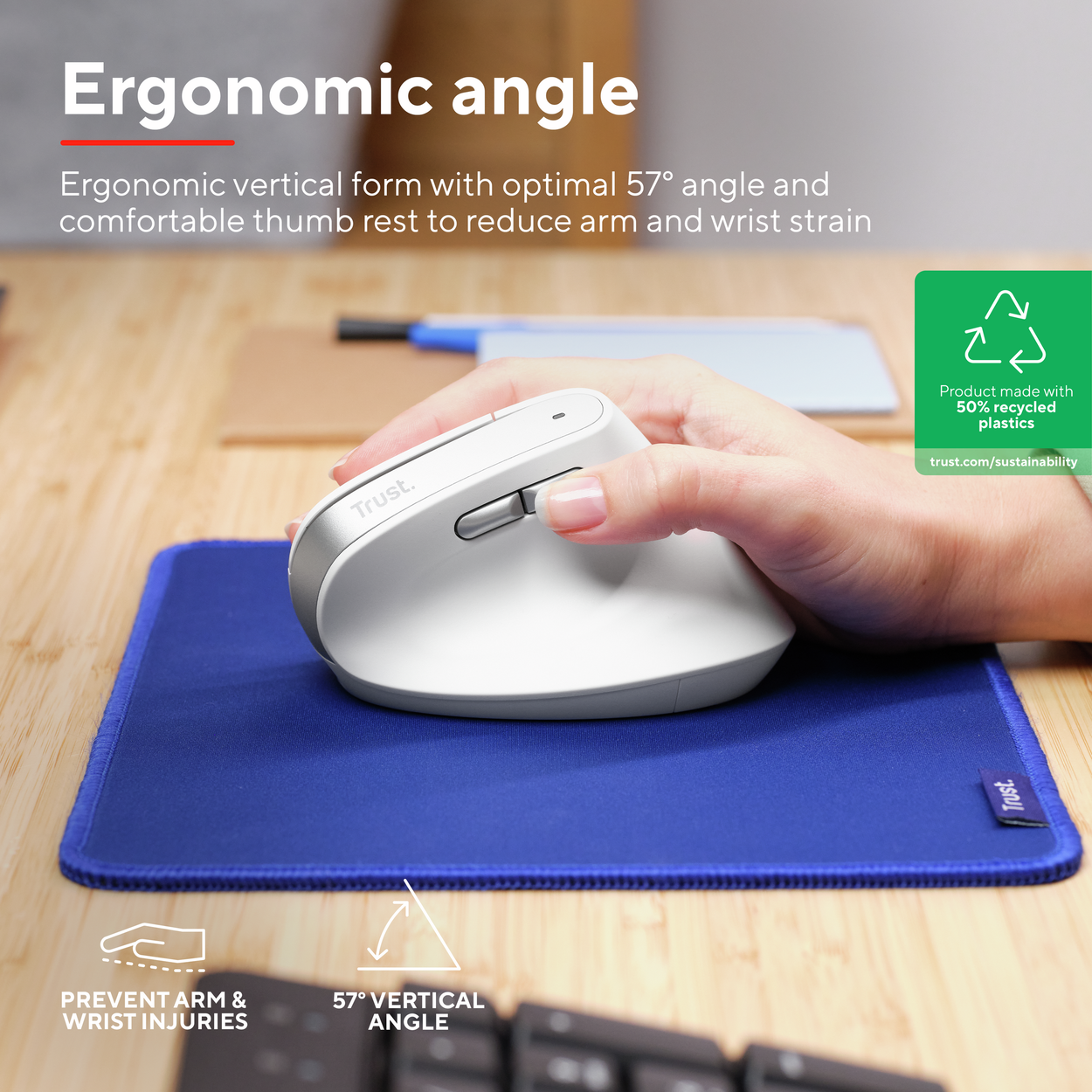
Work Without Wrist Pain and Fatigue
Classic mice force your wrist into an unnatural position, which can lead to discomfort and fatigue, and in worse cases, even permanent health problems. Thanks to the ergonomic vertical design of the Trust BAYO II mouse, with an optimal 57° tilt angle and a comfortable thumb rest, your hand and wrist relax into a more natural position. This minimises muscle strain and prevents pain and fatigue, even during prolonged computer use.
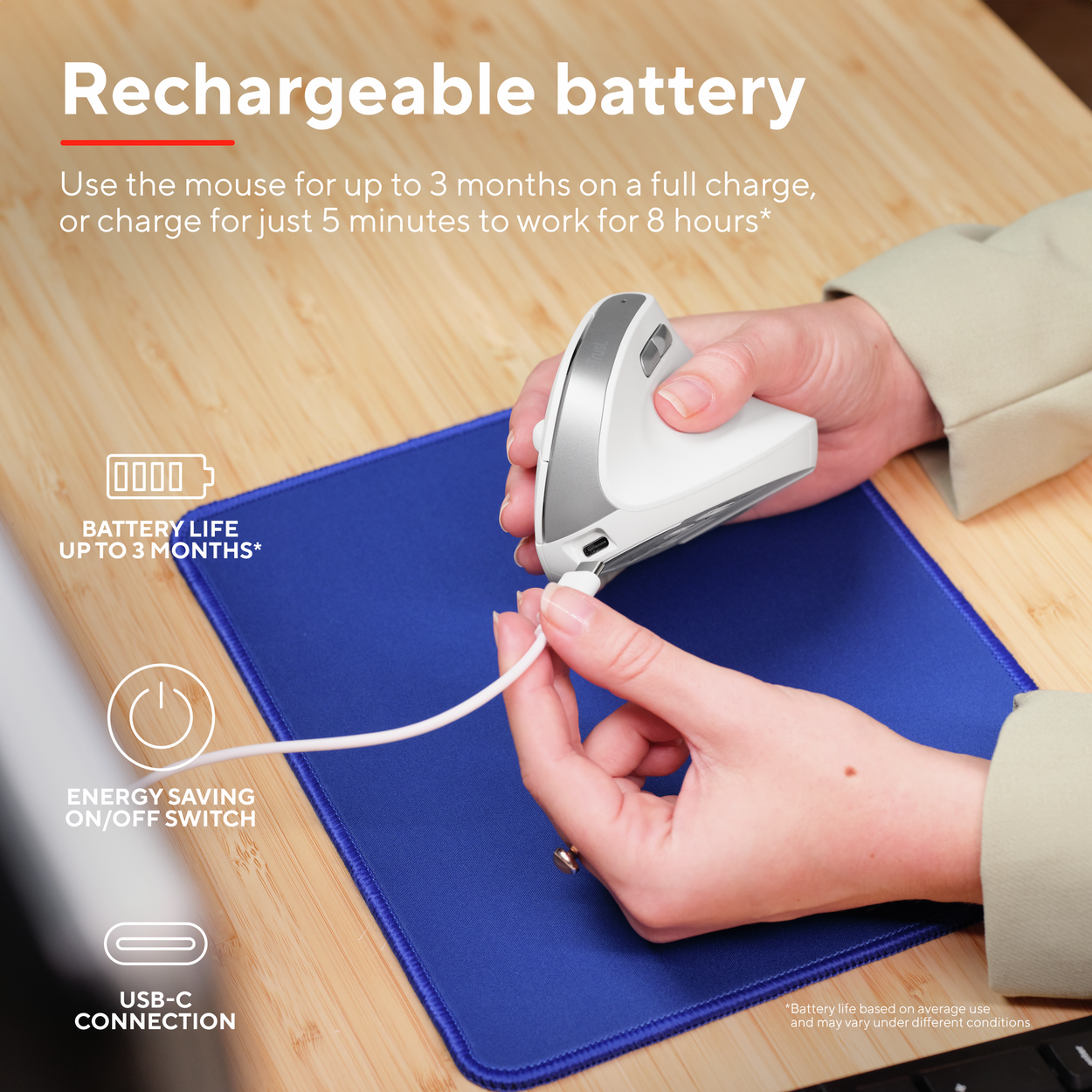
The Trust BAYO II Lasts up to 3 Months Without Charging
The BAYO II ergonomic mouse with its built-in rechargeable battery provides you with up to 3 months of continuous use without needing to recharge. And even if the battery does run out, don't worry—you can continue using it while it's charging with the included USB cable. Just 5 minutes of charging will give you another 8 hours of wireless operation. A practical ON/OFF switch also saves energy and extends battery life. With the Trust BAYO II mouse, you'll enjoy maximum comfort and flexibility, no matter how long you work.
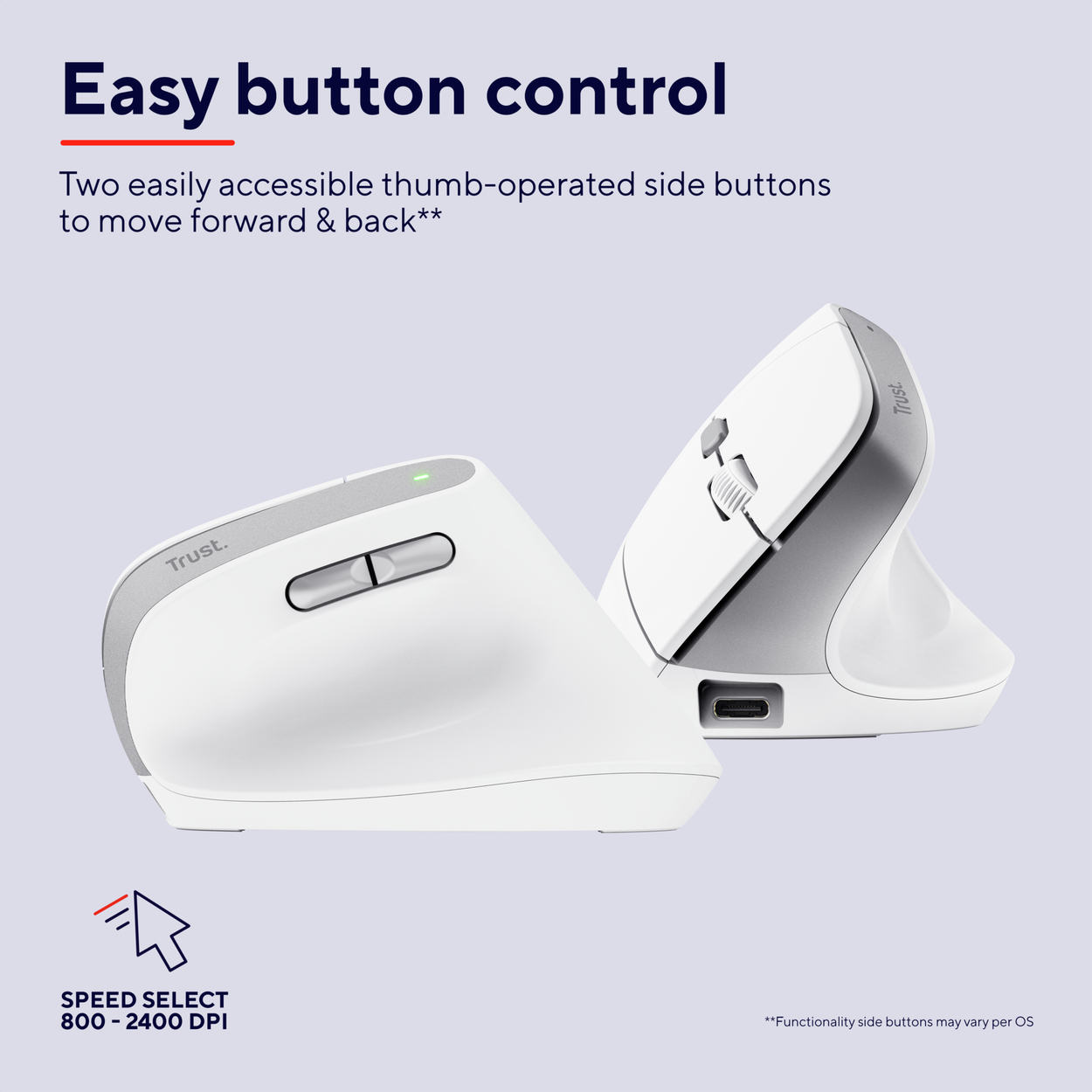
An Ergonomic Mouse That's Easy to Control
For easy and efficient control, the BAYO II mouse is equipped with two conveniently located thumb buttons, allowing you to instantly browse web pages and documents forwards and backwards. Whether you're working on precise details in a graphics programme or need to quickly scroll through large spreadsheets, the Trust BAYO II adapts to your needs. With the DPI selection button, you can easily adjust the sensitivity in the range of 800–2400 DPI and set the cursor speed exactly to what you're doing.
Reliable Wireless Connection
Thanks to the wireless connection via a 2.4GHz USB-A micro-receiver, which you can easily store inside the Trust BAYO II mouse, you don't have to worry about any cables and can work from anywhere on your desk. The receiver ensures a stable and reliable connection with a range of up to 10 metres, so you can fully concentrate on your work and enjoy the comfort of wireless control with the Trust BAYO II mouse.
Convex Curvature for a Natural Hand Position
Trust has received the prestigious ErgoCert certification for three of its ergonomic products—the Bayo II Wireless and Bayo+ mice and the Keyra keyboard. This internationally recognised certification confirms a scientifically proven ergonomic design that ensures greater comfort, healthier posture, and reduced strain during long-term use.

The Trust BAYO II mouse is compatible with Windows 10 and 11, macOS 12, 13, and 14, Linux, and Chrome OS
Specifications
Connection
Mouse interface
Mouse use
Compatibility
Sensor
Mouse buttons
Other mouse features
Dimensions and weight
Colour
Charging // EU Directive
| Code: | JS267c9e2q1a |
| Warranty: | 24 months |
| Links: | Producer's Website: |
| Manufacturer information |
Trust International B.V.,Laan van Barcelona 600, 3317 DD Dordrecht, [email protected], [email protected] 
|