Augmented Reality in Alza app: iOS | Android Guide
Would you like to see our merchandise in a real environment? Thanks to Alza app's brand-new feature, you can view selected products from home without even having to unpack them. Make sure everything looks as it should and fits just right. Check out our guide on how to use the 3D/AR product view for both iOS and Android below.
Apple iOS
Android
i
The 3D product display feature is only available through the Alza app. You don't have it? Then make sure to install it. The app is available for both Android (Google Play) and iOS (Apple Store).
How to Use Augmented Reality in the Alza App – CONTENTS
How does it work?
Place a full-scale product wherever you please and view it from every angle inside your house or apartment.

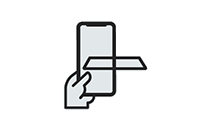
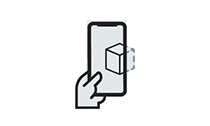
Helpful AR Mode Tips
- The spot should be sufficiently large and uncluttered
- Find textured surfaces
- Turn on the lights
- Move your phone slowly
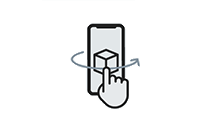
- Learn basic gestures (rotate, zoom, drag)
Basic gestures
Knowing the basic gestures will make it easier for you to interact with products. These are universal gestures you may know from both Android and iOS. And since repetition is the mother of learning, we've included the three most important gestures to get you started.



FAQ
What is augmented reality (AR)?
Augmented reality is the term used to describe visual insertion of a digital object into reality using 3D scans of the surrounding environment. This object, inserted into the real world, can then be viewed on the screen of your device.
How accurate are the product dimensions in AR?
You should always expect a minimum of 1 to 5 cm deviation in the dimensions of 3D models placed in the real world using AR. Accuracy tends to be higher if you have a good camera, good lighting conditions, and may vary depending the surface type. Always measure the place carefully before making a final purchase.
What Apple iOS devices support AR?
iOS: iPhone 6S and later, iOS 11.0 and later
What Android devices support AR?
In order to use the Alza app AR feature, you need to have at least Android 7.0 and above and have AR Core installed. Please see this list of supported devices for more details.
The 3D and AR display feature does not work for me on Android. What should I do?
Check the specification of your device (see above). If your device is listed as compatible and meets all the requirements, please let us know. We will check it out to see what's wrong. You can help us debug the app.
Sometimes AR mode won't let me place the product. What's going on?
The most important prerequisite for AR mode to work as it should is lighting. Simply put, if it's dark or gloomy, AR mode won't work. Next, AR mode also needs some reference points that your mobile phone can use to map the surroundings. The more textured and diverse the surface, the better. If the surface of the room is not textured enough, you can help your phone out by laying some paper sheets on the floor, which will make it easier for it to navigate the space.
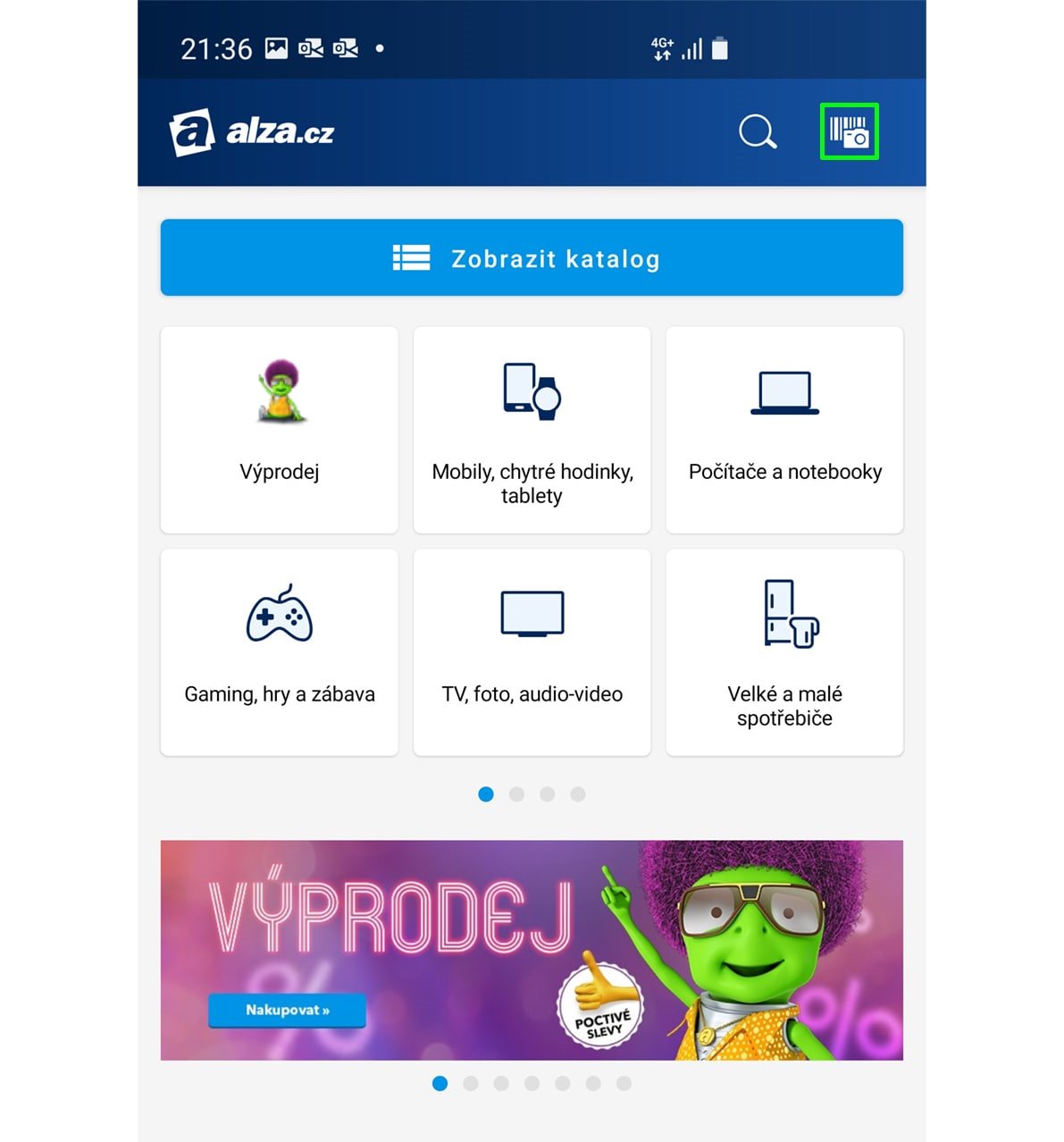
How do I launch the AR mode?
The feature works only in the Alza.cz app. If you are using the mobile website, AR mode will not be available for you.
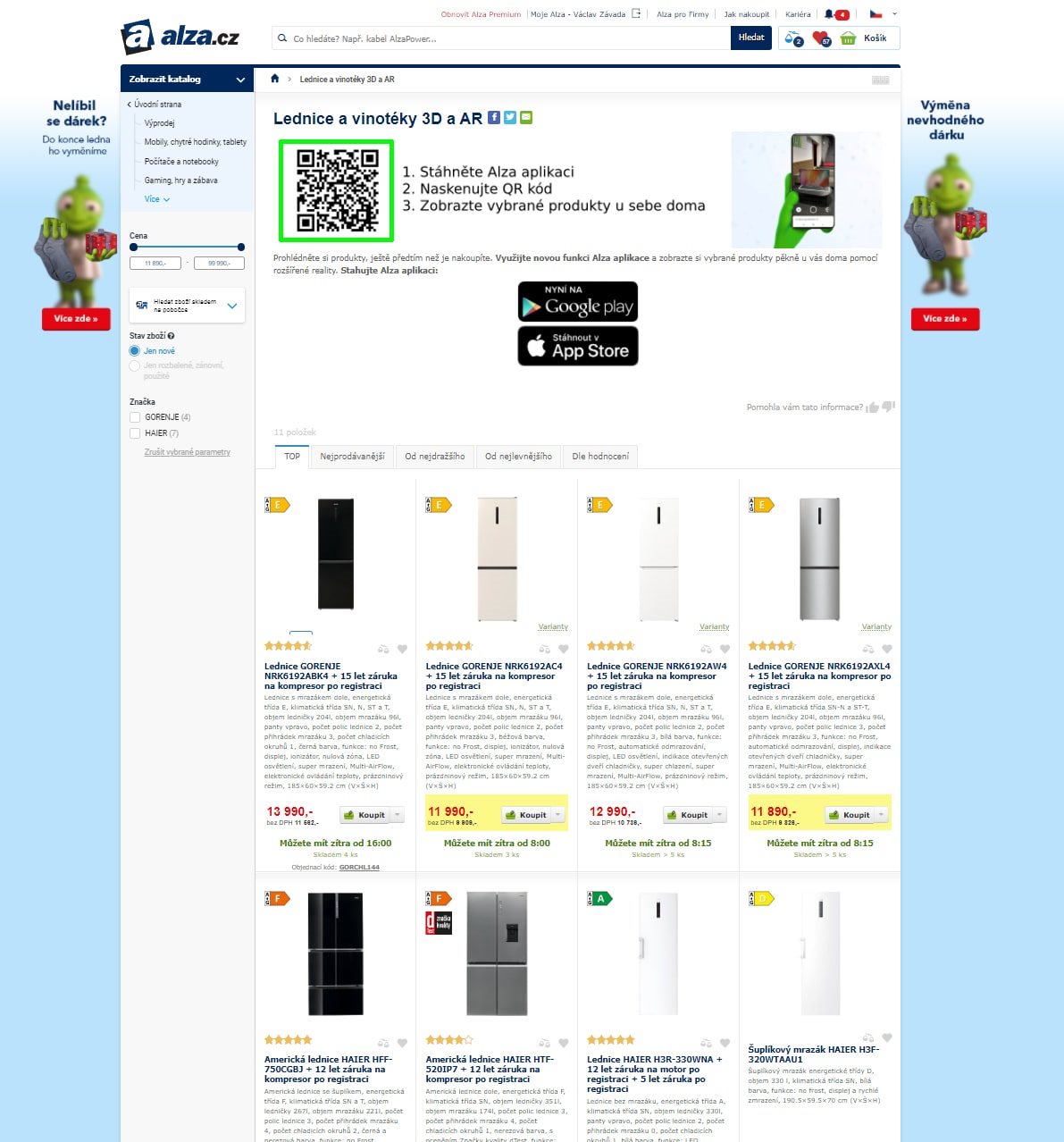
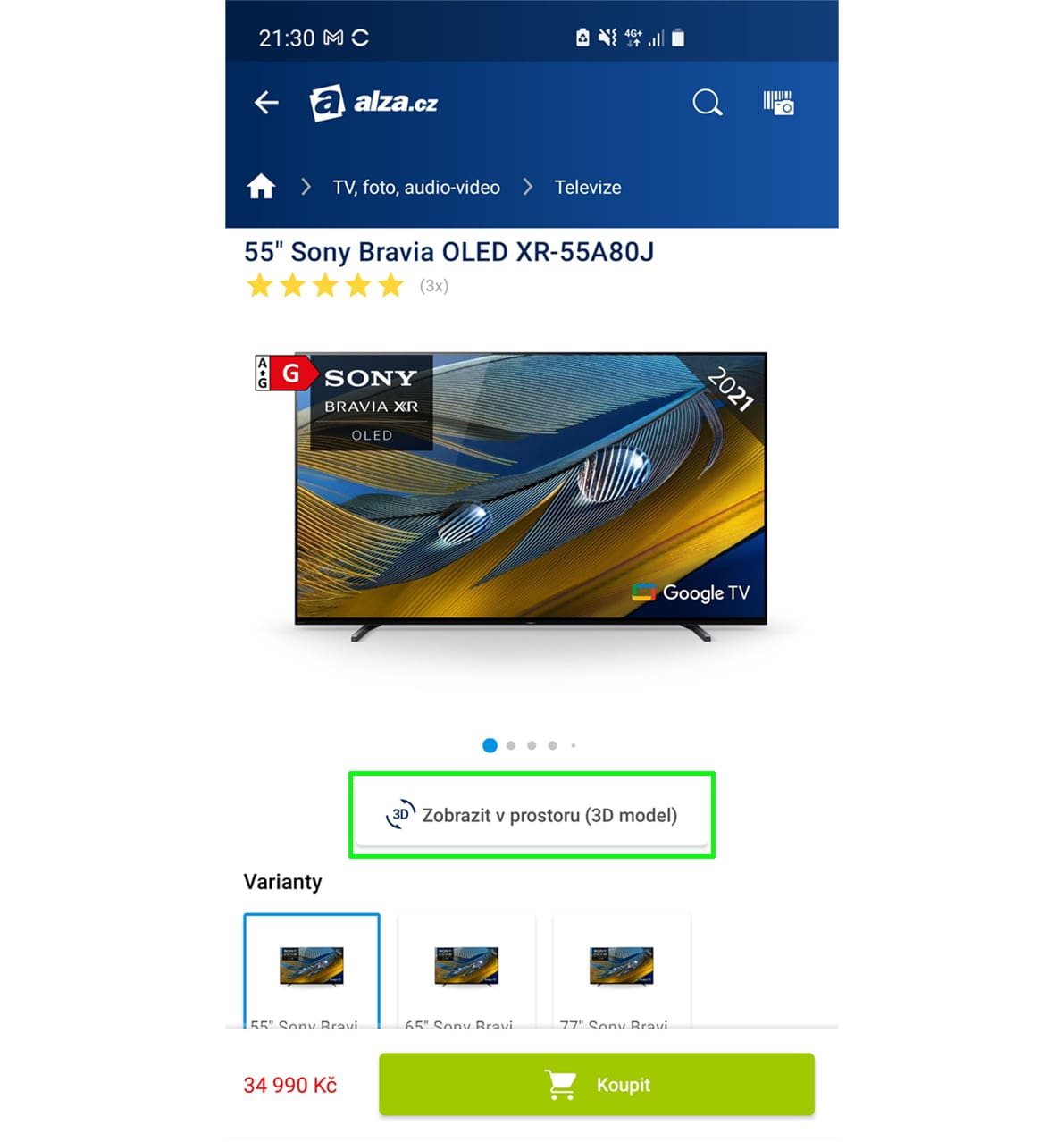
Products Compatible with 3D and AR View
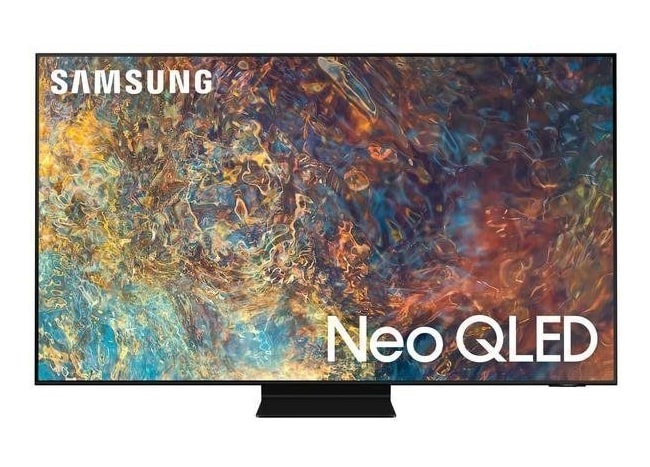
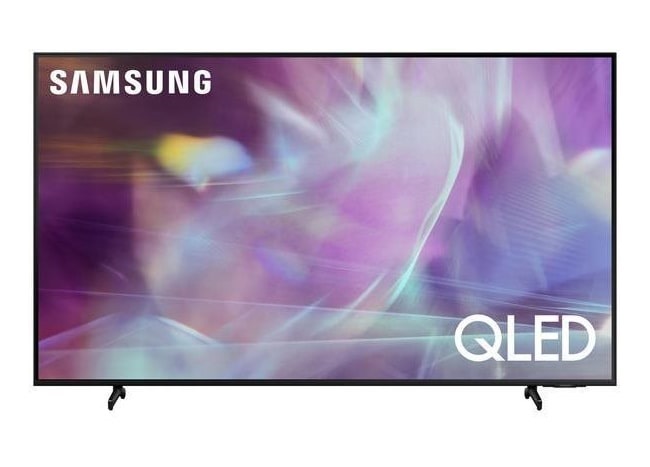
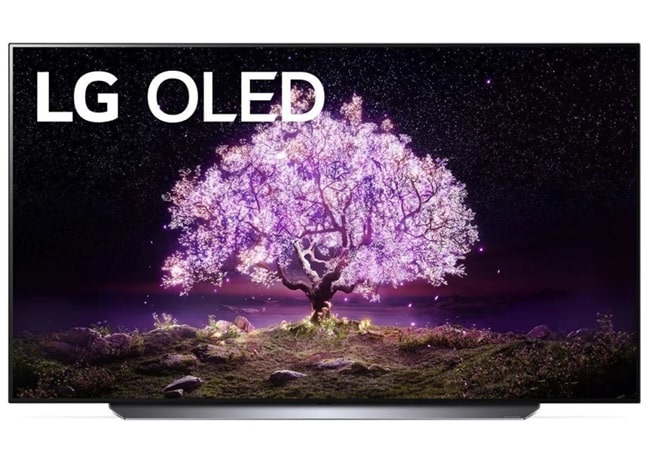
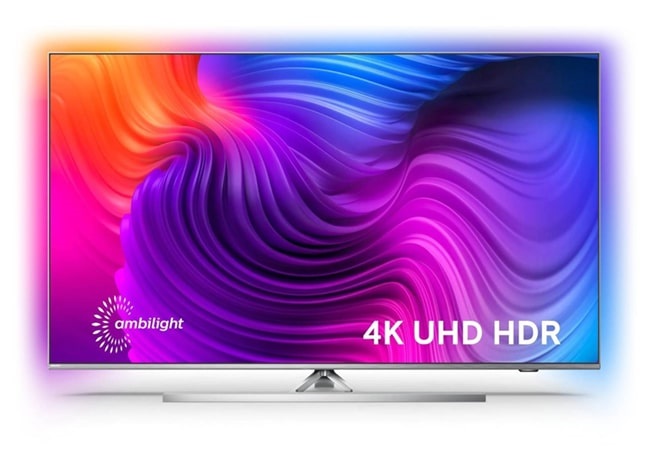
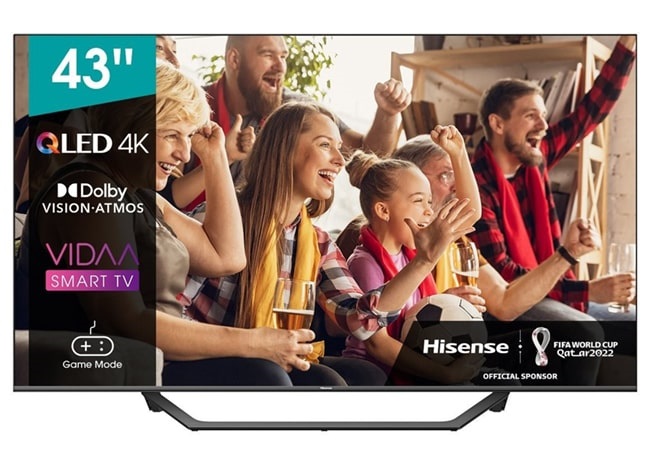
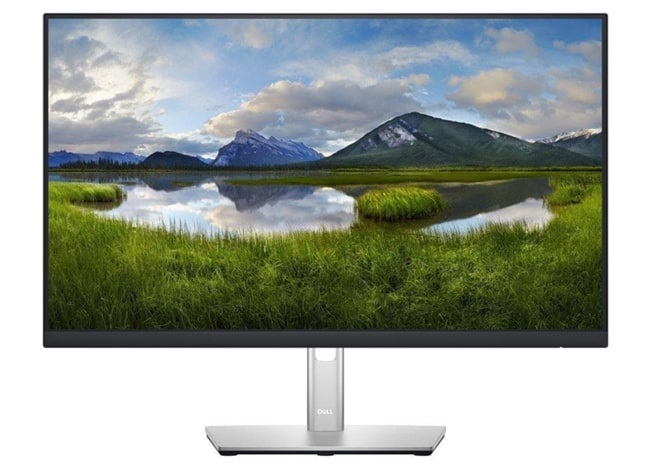
TVs and Monitors
with 3D and AR Display Support
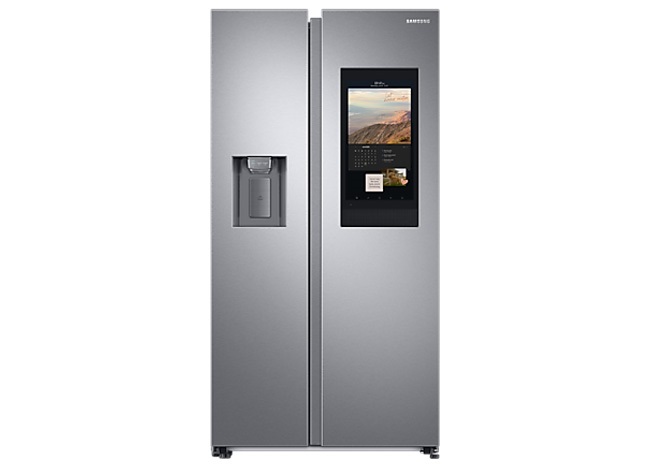
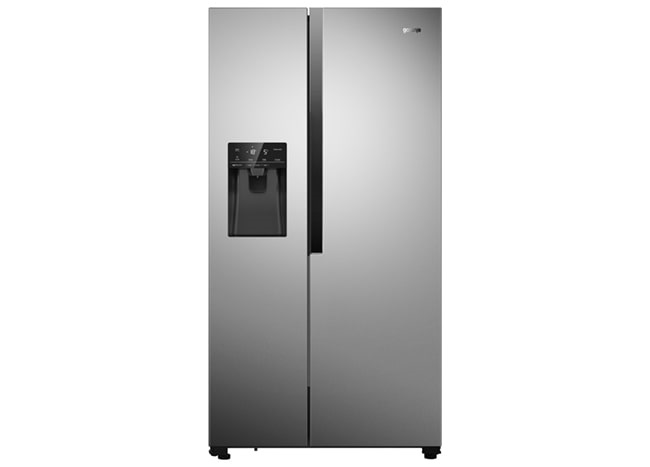
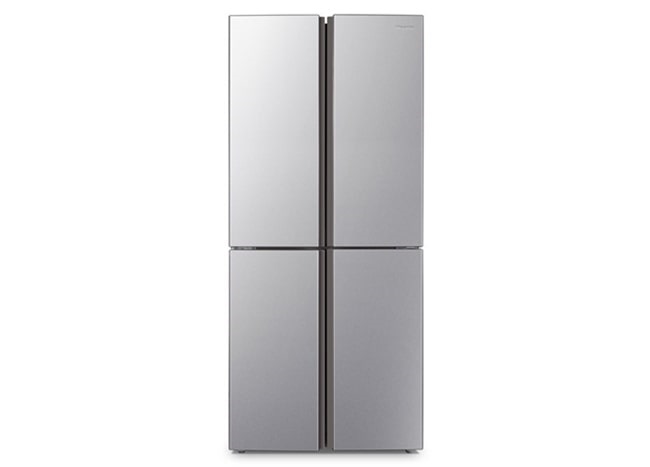
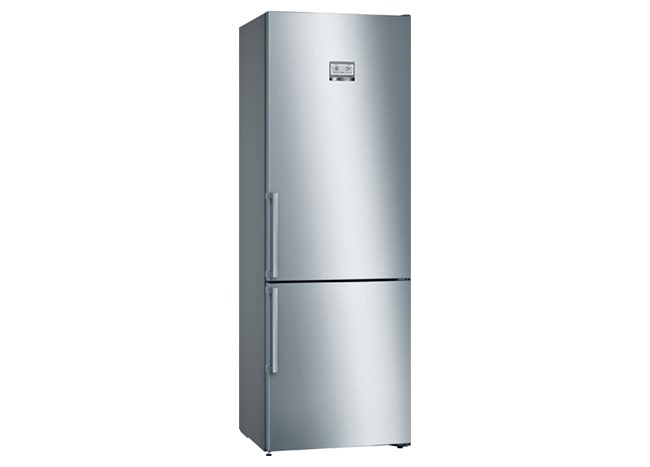
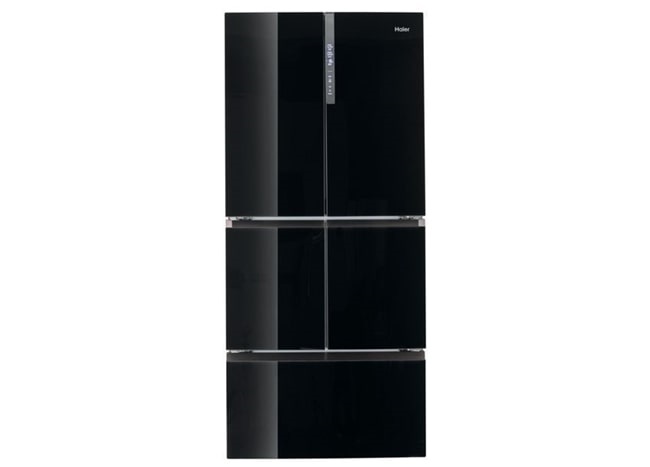
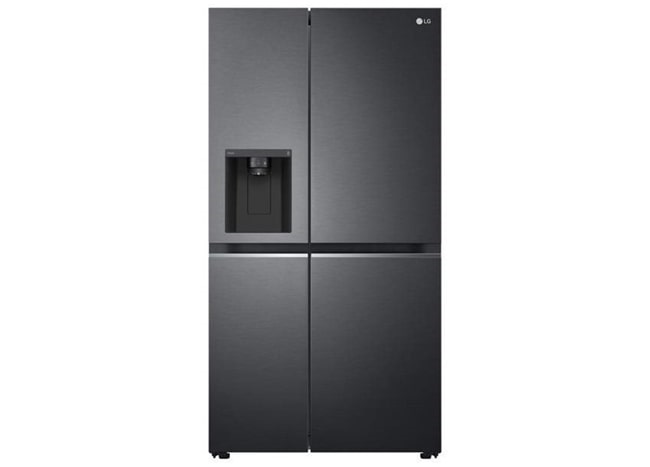
Large Home Appliances
with 3D and AR Display Support


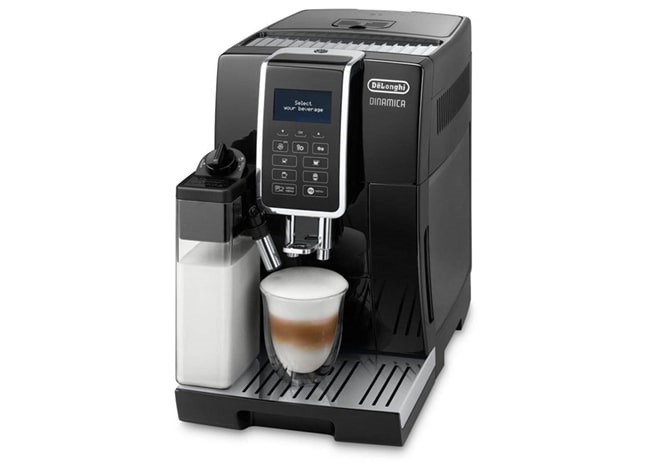
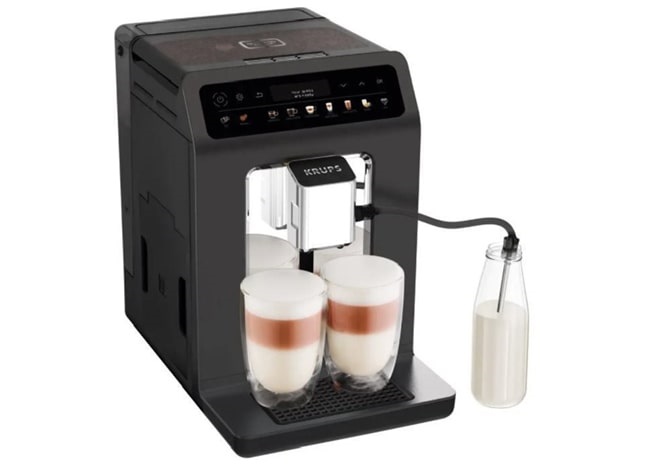
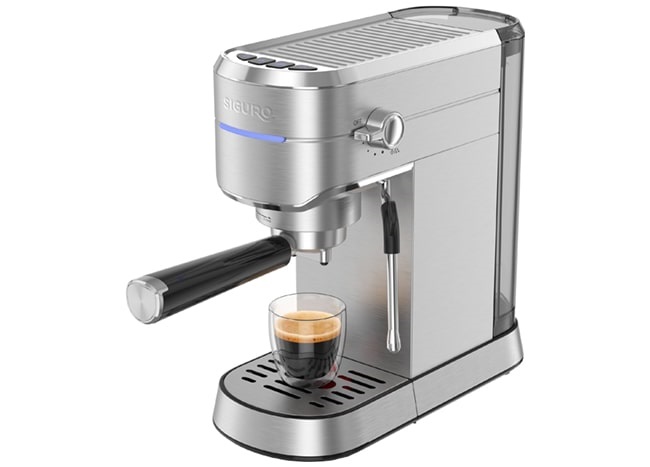
Coffee Machines
with 3D and AR Display Support
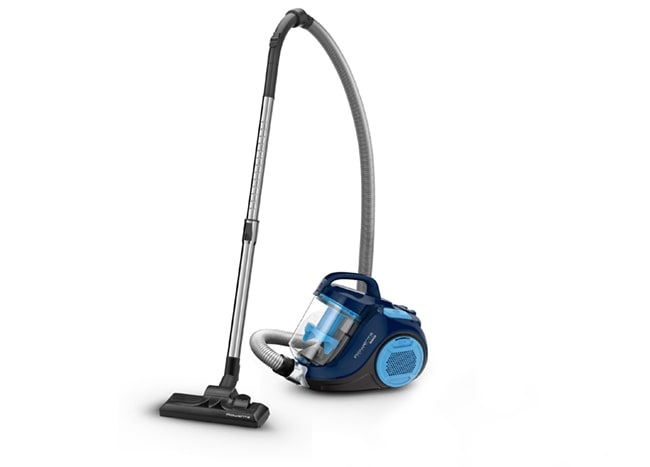
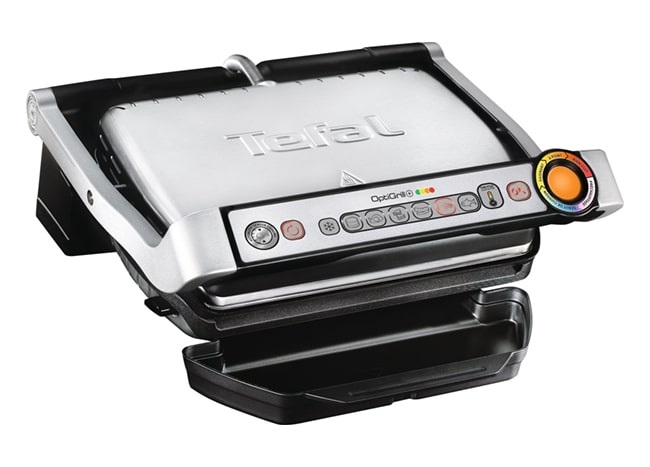
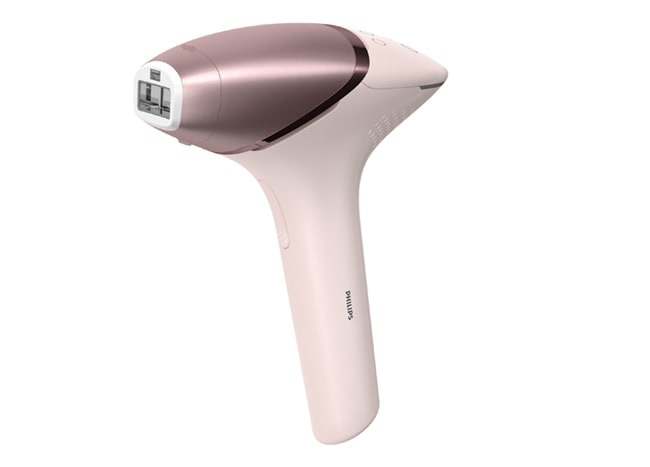
Household Appliances
with 3D and AR Display Support
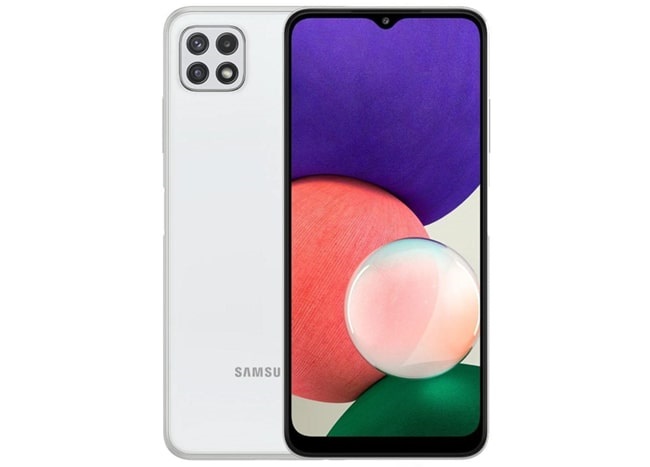
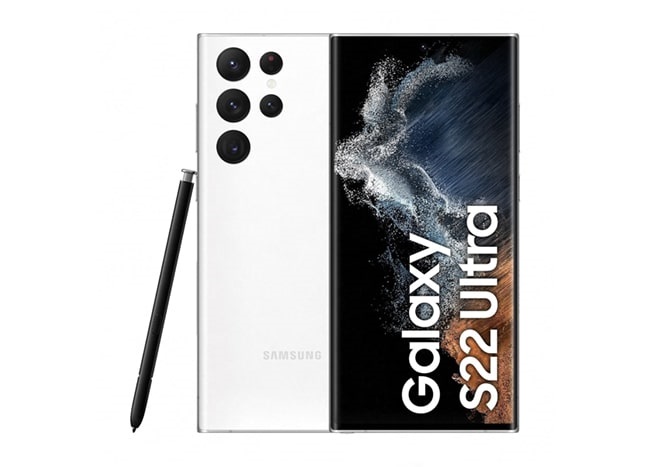
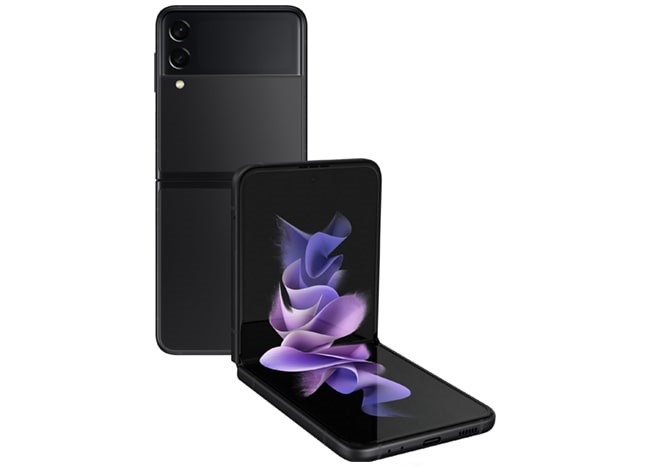
Smartphones
with 3D and AR Display Support
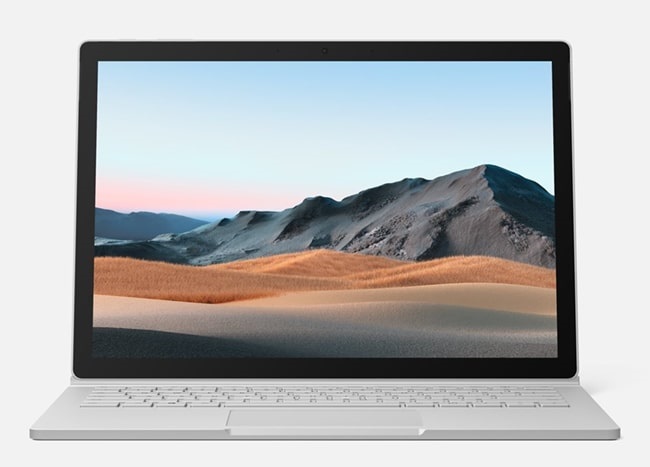
Gaming, Laptops & Accessories
with 3D and AR Display Support
Toys
with 3D and AR Display Support