Interested in reviews of Elgato Stream Deck XL? It got 4.9 out of 5 stars from our customers. Find specific customer reviews of Elgato Stream Deck XL below. We will appreciate if you also share your experiences with Elgato Stream Deck XL after purchasing.
I use it mainly for streams, it has improved my OBS work extremely 🙏
Simple clean look
Blubberproof setting
Incredible possibilities, every day I come up with new fun vo to perform with it
Could be a little longer cable
0 ×Report
Automatic translation
Lukáš
Rated 23/02/2024, variant Elgato Stream Deck XL
Verified purchase
The perfect helper
0 ×Report
Automatic translation
Martin, Přelouč
Rated 27/12/2023, variant Elgato Stream Deck XL
Verified purchase - review from a price comparison website
Satisfaction.
Cool stuff.
Good helper.
Higher price.
0 ×Report
Automatic translation
Josef, Nymburk
Rated 17/06/2022, variant Elgato Stream Deck XL
Verified purchase
Stream Deck does not only have to be a helper among streamers, but also offers plugins for ADOBE programs, it is an ideal helper when creating graphics or editing, if you are not completely proficient in keyboard shortcuts. It also offers all kinds of options for Discord, Nvidia ShadowPlay or for example for Visual Studio Code.
huge multifunctionality
quick connection and SW installation
Constant updates and new plugins
the ability to set your own image on the button
for someone the purchase price
0 ×Report
Automatic translation
David, Vyškov - Dědice
Rated 22/01/2022, variant Elgato Stream Deck XL
Verified purchase
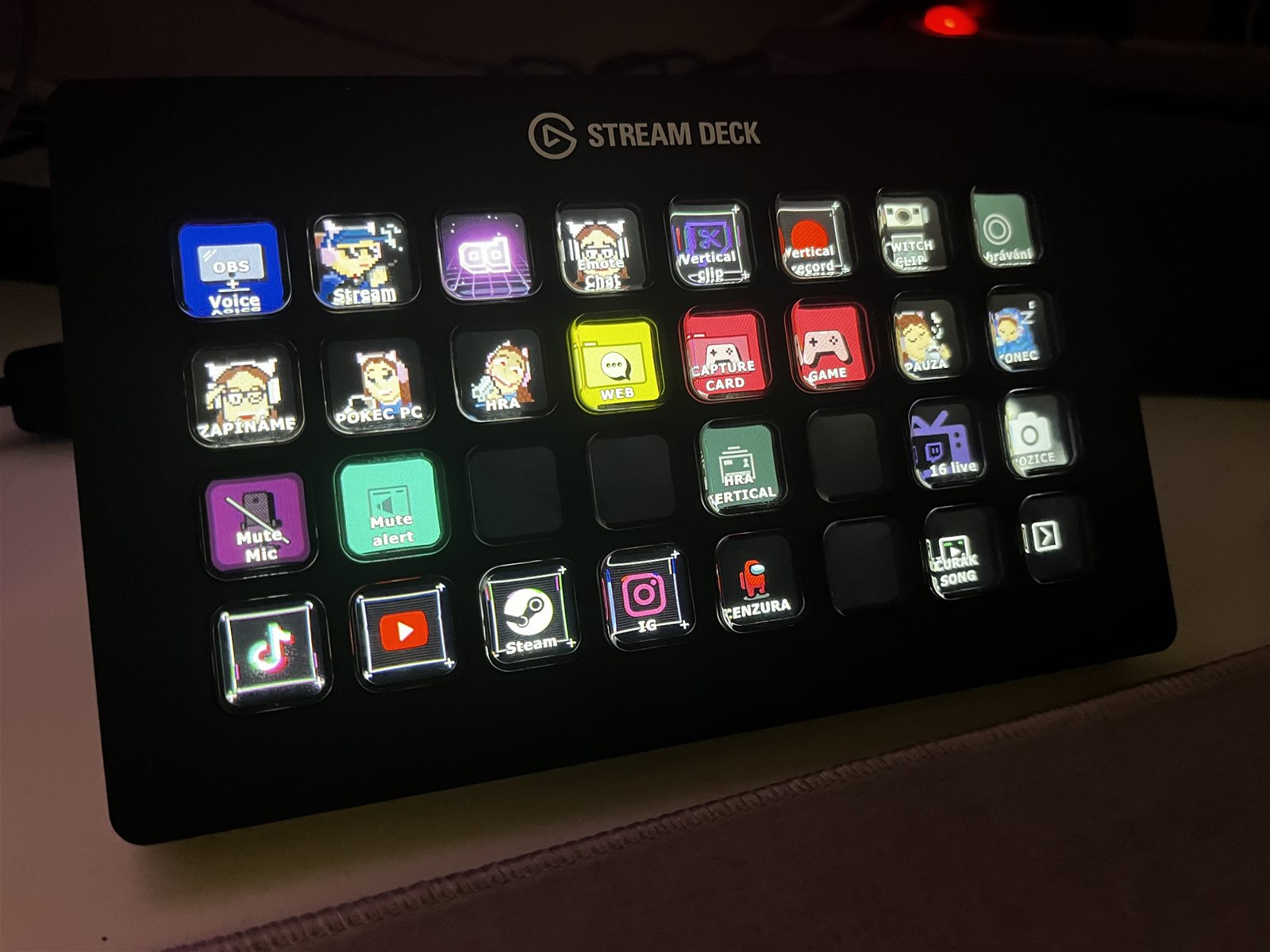
Stream Deck is fully multi-functional with a large number of programs to check off the list of must-haves after installing plugins such as Streamlabs OBS, OBS Studio, Twitch, YouTube, Twitter, NVIDIA, and much more. A large number of buttons, both toggle or classic. So if someone is playing, for example, more complex games such as Simulators where there are many buttons that do not fit on the keyboard, they can be set up on the Stream Deck graphically and clearly. You can create each button graphically on the elgato website. It also supports Philips Hue Bridge where you can set up different devices that are connected to the Bridge and set different lighting colours or light intensity on the buttons. There's also a media playback mode, or various integration options with Twitch or YouTube, including chat and sound effects playback. It is integrated when you install plugins Adobe Photoshop, Ai, Ae, etc. There are a lot of options, everyone has to judge for themselves. For me I'm very satisfied, it's not cheap but it's better than thousands of buttons on the keyboard.
Multifunctional
Easy connection
0 ×Report
Automatic translation
Try our cookies
Alza.cz a. s., Company identification number 27082440, use cookies and other data to ensure the proper functioning of the website and, with your consent, also, among other things, to personalize advertising and the content of our websites. By clicking on the “I understand“ button, you agree to the use of cookies and the transfer of data regarding the behavior on the website for displaying targeted advertising on social networks and advertising networks on other websites.