
Remote installation - Kaspersky Antivirus for PC/NTB only

Remote installation - Kaspersky Antivirus for PC/NTB only
Remote software installation help
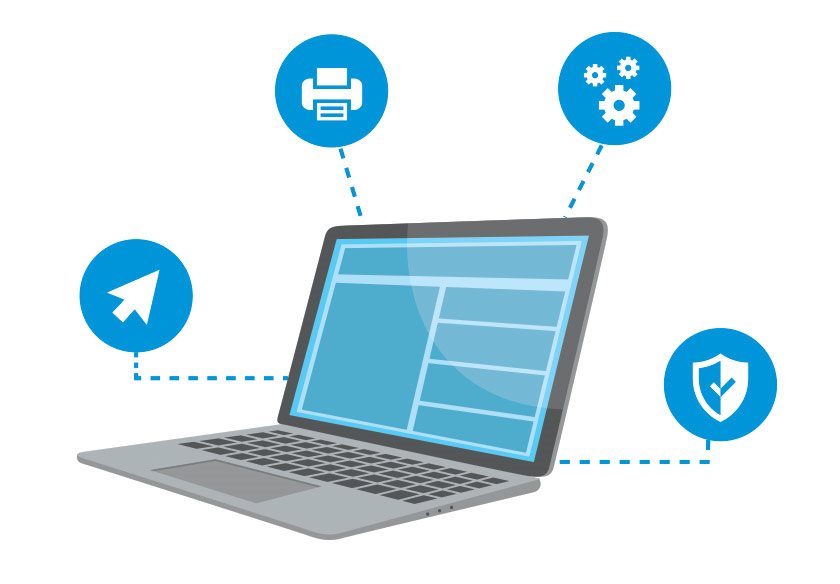
Have you bought a new antivirus program and don't know how to install it? Tento problém můžete vyřešit snadno a rychle s unikátní službou Alza servis. With remote access, we install the software on your computer and make sure it runs smoothly. As it is a remote installation, you can do everything from the comfort of your own home, saving you a lot of time and trouble.
Fast service
Convenient setup
Trained technicians
Maximum safety

How does it work?
- Purchase the desired type of remote installation
- View the license key in your Alza library
- You will then receive an email with instructions and a link to initiate an online connection with an Alza technician
- Confirm access to your PC
- If necessary, you can communicate with an Alza technician via chat window or by phone
- The Alza technician will arrange the required installation and perform the test
- After the installation you will receive a service acceptance report in your email
If you have purchased remote installation for the boxed version of the software, you need to activate the service only when you have the box physically available. It contains the license key for the product, which is needed for installation.
Service is available Mon - Sun 9:00 am - 7:00 pm
Safety first
With remote access, our technician can control your computer in the same way as if he were personally present in your home. Plus, you can see his activity in real time on the desktop, so you have complete control over his actions. Of course, remote assistance can be interrupted at any time. The remote connection is highly secure thanks to advanced encryption, so you don't have to worry about your data being misused during a technician's intervention.
Conditions for the proper functioning of the service
- Windows 8 or higher, or macOS (Apple) 11.6 or higher
- Minimum internet connection speed of 2 Mbit for downloading and 1 Mbit for uploading, no data limit (FUP)
- The intervention can take anywhere from a few minutes to several hours, depending on the internet speed and the type of intervention chosen
- We are able to provide the service in Czech, Slovak and English
- The purchased service code can be used within a maximum of 3 months from the date of purchase
- Consent to remote connection of the technician and subsequent control of your device
How do you do that?
- Purchase the required license
- Under your registration in the license library you will see the license code
- Once you see the license code, you will receive an email with further instructions to contact the technician
- The service is available MON - SUN 9:00 - 19:00
- Purchased code must be used within 3 months of purchase
This is a single antivirus installation, i.e. for multi-license versions, an account will be created and installation will be done on one device only.
Specifications
Basic
| Code: | SWSL0003 |