
21,5" HP E22 G5


 Price Guarantee
 Installment calculator
4,9%
interest
from 3.43 € monthly
Installment calculator
4,9%
interest
from 3.43 € monthly
21,5" HP E22 G5
The more compact HP LCD monitor with a 21.5" screen size and standard Full HD (1920 × 1080) resolution is excellent for working with office suites, email communication, and browsing the internet. Its IPS panel provides excellent colour reproduction, and the image remains just as high-quality even when you change the viewing angle. This can be well-utilised when preparing documents for printing or during presentations. The matte finish of the display surface doesn't reflect room light from the monitor and also helps against light from a window. Thanks to the standard 16:9 aspect ratio, you can open two document windows side by side if needed and work with them efficiently. A maximum brightness of 250cd/m² is a good choice for working out of direct sunlight and is also suitable for rooms that are not too brightly lit. It can be mounted using a VESA 100×100 mount on a wall. You'll appreciate this if you have a smaller desk or when using multiple monitors. Such a layout can be used by people involved in trading, monitoring camera systems, and similar activities.
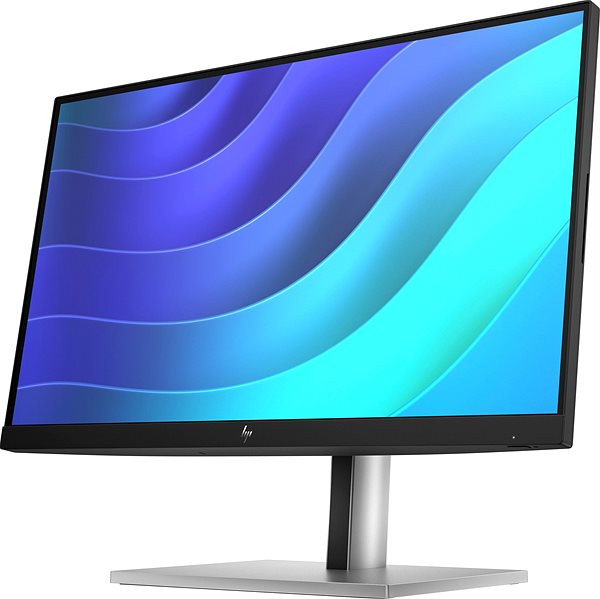
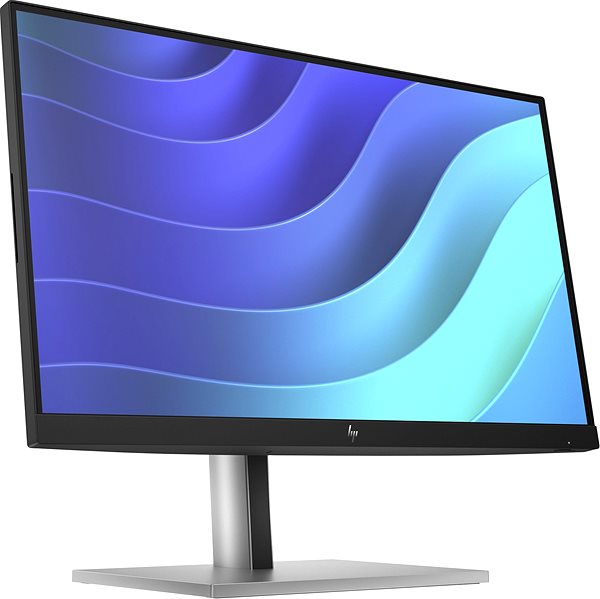
Key Features of the 21.5" HP E22 G5 Monitor
- Work efficiently with this 21.5" HP LCD monitor with Full HD (1920 × 1080) resolution
- It uses an IPS panel for colour display with a refresh rate of up to 75Hz and a 5ms response time
- The matte finish of the display surface eliminates reflections and reduces eye fatigue
- The standard 16:9 aspect ratio guarantees a precise and clear image output
- A maximum brightness of 250cd/m² is designed for working out of direct sunlight and also in rooms that are not too brightly lit
- Flat monitor design
The HP monitor will surprise you with its interesting features and functions
The 21.5" IPS PC monitor has a flat design, which will be useful if you plan to have multiple monitors together. It is equipped with a filter that reduces the transmission of blue light, which can contribute to reducing eye fatigue and improving sleep quality. You can tilt and adjust the monitor according to your requirements so that its top side corresponds to eye level, thus promoting correct body posture, which relieves the cervical spine and acts as a preventive measure against scoliosis. The ability to tilt will be especially appreciated by those who stand while working at a desk. The Pivot function allows the monitor to be rotated by 90°, which is practical for traders, programmers, and data analysts using spreadsheet editors. Thanks to the vertical display, productivity is increased and the need for scrolling is reduced.
The HP monitor will certainly delight you with its equipment
To connect a laptop or computer to the monitor, you can use HDMI and DisplayPort. If your computer is not equipped with a suitable connector, you can expand its connectivity by purchasing a compatible port replicator. You'll also appreciate a Port Replicator when connecting two monitors. Integrated speakers provide a convenient solution for both sound and picture in one device. In addition to the monitor, the package also includes an HDMI, DisplayPort, and USB-A cable.
Consider the monitor's native contrast when making your selection
The HP monitor has a native contrast of 1000:1. The difference between the brightest and darkest point that the monitor can display is defined by the native contrast ratio. If the monitor's contrast ratio is 3000:1, it means that the brightest point (white) is 3000× brighter than the darkest point (black). Better detail resolution in dark and light areas of the image is the result of a higher native contrast. A native contrast not exceeding 1000:1 will be suitable mainly for office purposes, up to 2000:1 you will appreciate for gaming and watching films. A value above 2000:1 is characteristic of monitors for graphic designers and video editing.
Data shown on the monitor's energy label:
- The manufacturer and model of the monitor are listed in the header
- The scale of energy classes (on the left), the specific energy class of the product (on the right)
- kWh/1000h: energy consumption in kilowatt-hours per 1,000 hours of operation
- SDR kWh/1000h: energy consumption in SDR mode in kilowatt-hours per 1,000 hours of operation
- Pixels: vertical and horizontal display resolution (1920 × 1080px)
- Units in inches and centimetres: screen screen size
__________________________________________________________________
After scanning the QR code, you will be redirected to the European EPREL database, where you will see the display type, the technology used in its production (e.g., LCD, QLED), and other monitor specifications.
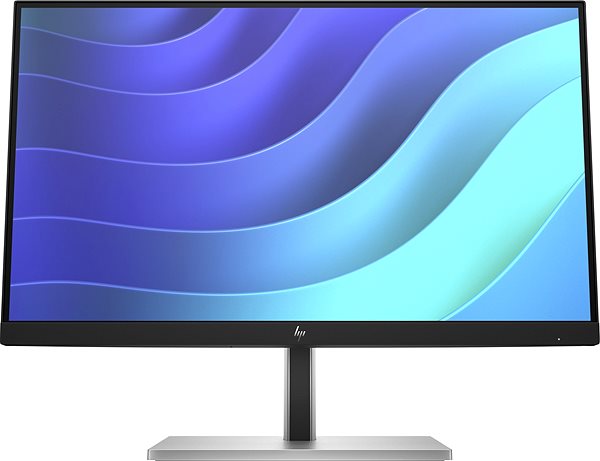
screen size:
21.5"
Colour Gamut (sRGB):
99%
Graphics Interface:
HDMI and DisplayPort
Graphics Interface Standards:
DisplayPort 1.2 and HDMI 1.4
Energy Class in SDR Mode:
D
Consumption in SDR Mode:
13kWh/1000h
Dimensions:
49.3 × 48.87 × 21.1cm (H×W×D)
Weight:
4.9kg
Specifications
Display diagonal and resolution
Construction
Panel and screen technology
Aspect Ratio
Connection
Colour gamut
Features and functions
Colour
Dimensions and weight
Packaging
Power outlet type
Energy specifications
Colour
| Code: | HPBM1007u7e5 |
| Warranty: | 36 months |
| Links: | Product Fiche Producer's Website: |
| Manufacturer information |
HP Inc Czech Republic s.r.o Za Brumlovkou 5/1559 140 00 Praha 4 VAT ID: CZ 03208427 Radek Mattas, [email protected]" GO Europe GmbH, Zum Kraftwerk 1, Hattingen 45527, Germany, +49232468010, [email protected] Hewlett-Packard was founded in the difficult times of the Great Depression. The founders were a pair of friends whose name the company still proudly bears. They started their business in an unobtrusive garage near the city of Palo Alto. It is now a national monument. HP’s success lay not in copying existing products, but in the ability and courage to come up with something new. The first commercial triumph was an oscillator that surpassed all competition in quality, yet sold at a quarter of the price. In 1968, HP released their first desktop computer - a desktop calculator. The company currently manufactures products primarily related to computer technology - computers and laptops, printers, scanners, digital cameras, servers, and last but not least, calculators. 
|